
Amazon’s Kindle has become one of the most popular e-readers in the world, prized for its simplicity, long battery life, and seamless access to Amazon’s vast ebook ecosystem. Yet beneath its clean interface lies a locked-down system that limits what users can customize or install. For some tech-savvy readers, this restriction sparks a familiar curiosity: What if I could unlock more? That curiosity leads many to explore a practice known as jailbreaking their Kindle.
TL;DR: People jailbreak their Kindle to gain more control, customize the interface, remove ads, access additional file formats, and install third-party applications. It offers flexibility and enhanced functionality beyond Amazon’s default system. However, jailbreaking also carries risks, including voiding the warranty, introducing security vulnerabilities, and potentially rendering the device unusable. Understanding both the benefits and the dangers is crucial before making a decision.
Jailbreaking refers to modifying a device’s software to remove manufacturer restrictions, allowing deeper access to the operating system. In the Kindle’s case, this means bypassing Amazon’s limitations to unlock new features, customizations, and software options. Below, we’ll explore the six main reasons people jailbreak their Kindles—and the potential risks that come with it.
What Does Jailbreaking a Kindle Actually Do?
At its core, jailbreaking gives users administrative control over their device. Instead of being confined to Amazon-approved apps and features, users can install custom software, change system settings, and personalize the device beyond the default configuration.
This doesn’t mean turning the Kindle into a tablet—but it does dramatically expand what the device can do.
6 Reasons People Jailbreak Their Kindle
1. To Remove Ads (Special Offers)
Many Kindle models are sold at a discounted price in exchange for displaying “Special Offers” (ads) on the lock screen. While some users tolerate them, others find the ads intrusive and unnecessary.
Although Amazon may remove ads for a fee, some users jailbreak their devices to:
- Completely eliminate ads without additional payment
- Replace the lock screen with custom images
- Display current book covers instead
This small change can make the Kindle feel more personal and premium.
2. To Install Custom Screensavers and Themes
Amazon tightly controls the Kindle’s user interface. Jailbreaking opens the door to customization options such as:
- Personal screensavers
- Custom fonts
- Modified menu layouts
- Enhanced UI tweaks
For users who enjoy tailoring their gadgets, this ability is one of the biggest attractions. Instead of a standardized experience, the Kindle becomes uniquely theirs.
3. To Read More File Formats
Although Kindle supports many popular ebook formats, it still requires conversion for certain file types. Jailbreaking allows installation of alternative reading software like KOReader, which supports a wider variety of formats natively.
This is especially appealing to users who:
- Download DRM-free books from independent publishers
- Read academic PDFs with better formatting control
- Use EPUB-heavy libraries without converting files
More format support means less friction.
4. To Install Third-Party Applications
Jailbreaking enables access to unofficial apps developed by the Kindle community. These can include:
- Advanced PDF readers
- Games (such as chess or Sudoku)
- File management tools
- Terminal access software
While Kindle hardware is modest compared to tablets, these additions expand its versatility beyond simple ebook reading.
5. To Gain Better Control Over PDFs
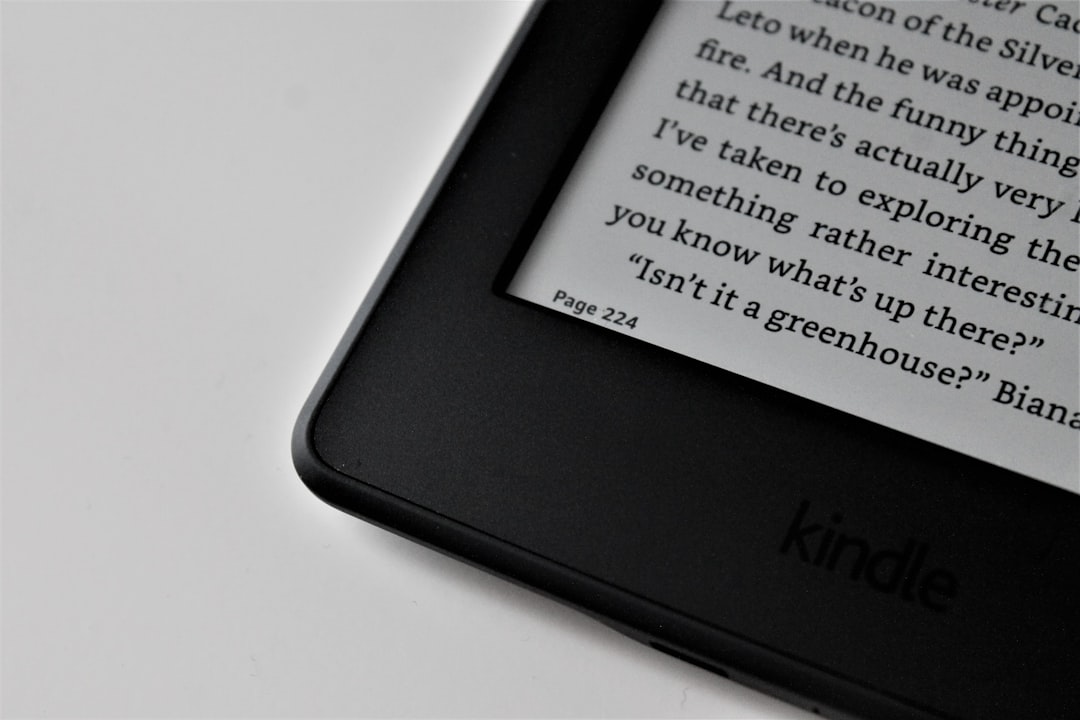
PDF reading has historically been one of the Kindle’s weaker areas. Jailbreaking allows installation of software with features such as:
- Improved zoom and pan controls
- Margin trimming
- Landscape optimization
- Reflowable text rendering
For students, researchers, or professionals who work with technical documents, this enhanced functionality can make a significant difference.
6. To Experiment and Learn
For some, jailbreaking isn’t about practicality—it’s about curiosity. Technically inclined users often jailbreak devices:
- To understand how embedded Linux systems work
- To explore firmware customization
- To experiment with software development
In these cases, the Kindle becomes more than a reading tool—it becomes a tinkering platform.
Popular Tools and Software Used After Jailbreaking
After jailbreaking, users typically install certain community-developed tools to unlock expanded functionality. Below is a simplified comparison chart of commonly used Kindle jailbreak software:
| Tool | Primary Purpose | Key Features | Best For |
|---|---|---|---|
| KOReader | Alternative reading app | EPUB support, advanced PDF tools, customizable interface | Academic and multi-format readers |
| USBNetwork | System access | SSH access, advanced configuration | Developers and tech enthusiasts |
| ScreenSavers Hack | Customization | Custom lock screen images | Users wanting personalization |
| KUAL (Kindle Unified Application Launcher) | App management | Launch third-party apps easily | Users running multiple modifications |
These tools form the foundation of most jailbroken Kindle setups.
The Potential Risks of Jailbreaking a Kindle
While the benefits sound appealing, jailbreaking does not come without consequences. Here are the main risks users should carefully consider.
1. Voiding the Warranty
Amazon clearly states that modifying the device’s software can void the warranty. If your Kindle encounters hardware issues after jailbreaking, Amazon may refuse repair or replacement.
2. Bricking the Device
Improper installation of jailbreak firmware can render the Kindle unusable—a situation commonly referred to as “bricking.” In some cases, recovery is difficult or impossible without advanced technical skills.
3. Security Vulnerabilities
Stock Kindle firmware is tightly controlled and regularly updated by Amazon. Jailbreaking can introduce:
- Unpatched vulnerabilities
- Exposure through SSH or networking tools
- Risk from improperly vetted third-party apps
Although major exploits are rare, modifying security safeguards always carries some level of risk.
4. Loss of Official Updates
Amazon periodically releases firmware updates that improve stability and add features. In some cases, installing these updates can remove the jailbreak—or future updates may become incompatible.
Users must often choose between:
- Keeping jailbreak functionality
- Installing official updates
5. Legal and Ethical Gray Areas
Jailbreaking sits in a complex legal space. In many regions, modifying your own device is legal. However:
- Circumventing DRM protections may violate copyright laws
- Using unauthorized content can introduce legal risks
Understanding local regulations is essential before proceeding.
Is Jailbreaking Worth It?
The answer depends on the type of user you are.
If you’re someone who simply wants to read books purchased from Amazon with minimal hassle, jailbreaking offers little practical benefit. The Kindle already excels at delivering a distraction-free reading experience.
However, if you:
- Read diverse file formats
- Dislike restrictive ecosystems
- Enjoy technical customization
- Work heavily with PDFs
Then jailbreaking may unlock meaningful improvements.
Still, it’s important to weigh the risks against the rewards. Unlike jailbreaking a spare gadget, your Kindle may be your primary reading device. Any misstep could impact daily use.
Final Thoughts
Jailbreaking a Kindle represents a trade-off between freedom and stability. For some users, the added control, personalization, and enhanced functionality are well worth the effort. For others, the risks—voided warranties, potential malfunctions, and security concerns—outweigh the benefits.
The Kindle was designed to offer a streamlined, curated experience. Jailbreaking transforms it into something more flexible—but also more complex. Before making the leap, consider your technical confidence, your reliance on the device, and your tolerance for risk.
For the technically curious, it can be an exciting project. For the everyday reader, it may be a solution in search of a problem. Either way, understanding both sides ensures you make an informed decision.