
Whether you’re a knitting enthusiast, crochet hobbyist, or someone just stepping into the world of fiber arts, digital tools have revolutionized how patterns are created and shared. StitchFiddle is one such platform that has quickly become a favorite among crafters for its intuitive design and powerful customization features. If you’ve ever wondered how StitchFiddle works and whether it’s worth using, this guide breaks it down in a clear and engaging way.
TLDR: StitchFiddle is an online pattern design tool that allows users to create knitting, crochet, and cross‑stitch charts with ease. It offers customizable grids, color management tools, and easy sharing options for both hobbyists and professionals. Its user-friendly interface makes complex pattern design more accessible, even for beginners. With both free and premium features, it’s a flexible solution for modern crafters.
1. StitchFiddle Is a Versatile Pattern Design Tool
At its core, StitchFiddle is a web-based chart editor designed specifically for textile crafts. Unlike general graphic design software, StitchFiddle is tailored to the needs of fiber artists. It supports:
- Knitting charts
- Crochet charts
- Cross-stitch patterns
- Colorwork and tapestry crochet
This specialization makes a huge difference. Instead of manually drawing squares in a spreadsheet or trying to adapt generic design software, StitchFiddle provides ready-made grids structured around craft-specific logic. For example:
- Knitting charts can follow standard row numbering.
- Crochet symbol charts include common stitch symbols.
- Cross-stitch designs use square-based layouts optimized for color mapping.
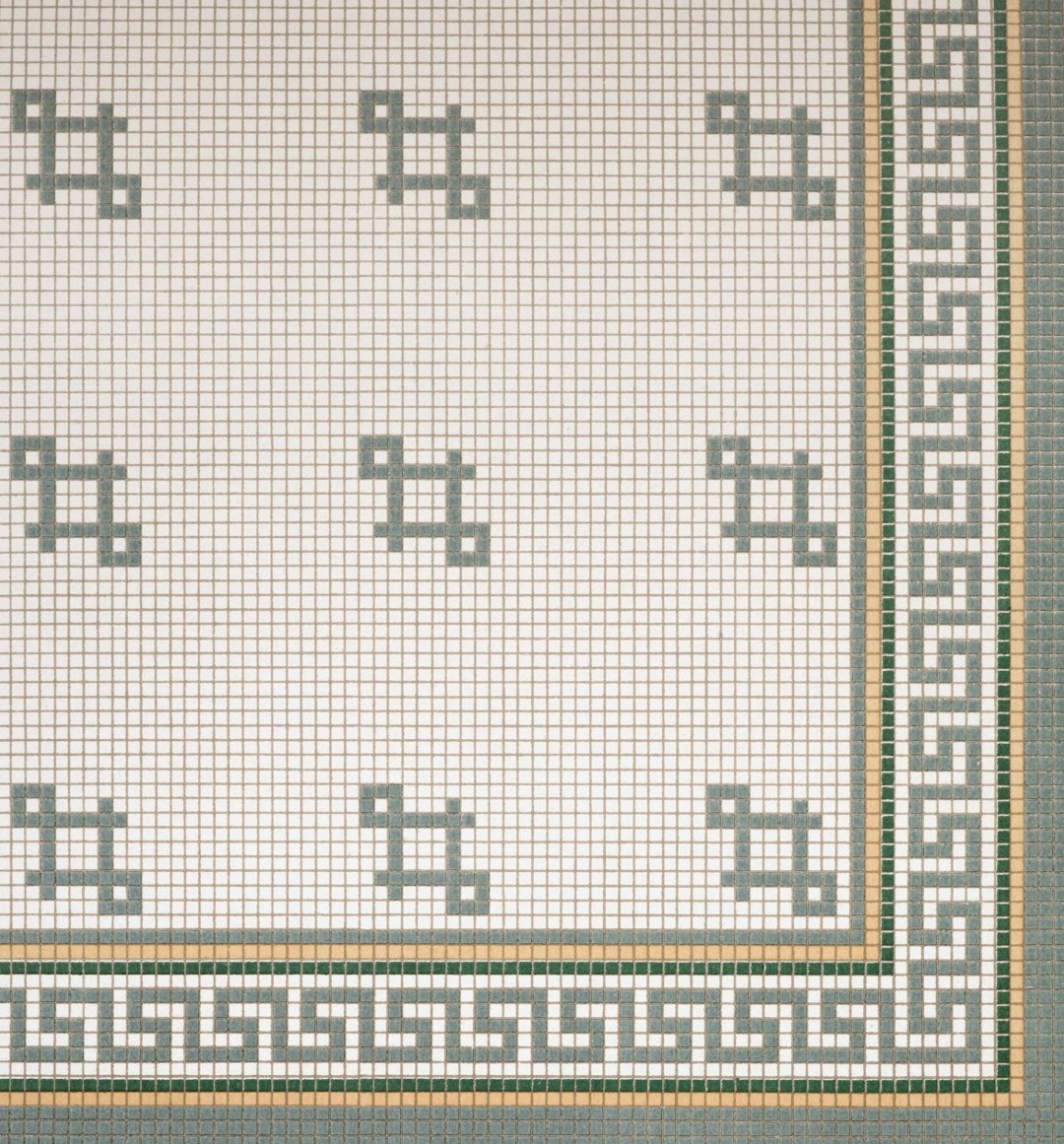
Because it’s browser-based, there’s no need to download or install software. You simply log in and begin designing. This accessibility makes it ideal for both beginners testing their creativity and experienced designers building complex, multi-colored patterns.
Why this matters: You don’t have to fight the software to create what you envision. Everything is built with needlecraft logic in mind.
2. The Grid System Is Highly Customizable
The grid is the foundation of any pattern, and StitchFiddle provides a flexible and powerful grid editor. When creating a new project, users can customize:
- Width and height (number of stitches and rows)
- Shape and orientation
- Stitch symbols
- Color palette
For knitting and crochet, you can choose whether the chart displays right-side rows differently from wrong-side rows. For cross-stitch users, grid squares represent individual stitches, making the workspace feel intuitive and aligned with physical stitching.
One especially impressive feature is the ability to import images and convert them into chart patterns. Users can upload pictures, and StitchFiddle helps translate them into stitch-based grids with adjustable color counts. This is incredibly popular among crafters who want to turn photos, logos, or illustrations into stitchable designs.
Pro tip: Reducing the color count during image import simplifies the final pattern, making it easier to stitch and reducing thread changes.
The grid system also allows for clear row and column numbering, which is essential for avoiding mistakes during long crafting sessions. When a chart is clear and visually organized, it significantly reduces errors during production.
3. Color Management Makes Complex Designs Easier
Colorwork can quickly become overwhelming, especially in knitting and cross-stitch patterns. StitchFiddle helps simplify this through robust color management tools.
Users can:
- Create custom color palettes
- Assign names to colors
- Track thread or yarn brands
- View color usage statistics
For cross-stitch enthusiasts, this is particularly useful because thread identification is essential. StitchFiddle allows you to map colors to specific thread numbers, such as commonly used embroidery floss codes. This makes pattern distribution more professional and user-friendly.
Another standout feature is the color usage summary. It estimates how much of each color is used in the pattern. While it’s not a precise measurement tool, it provides helpful guidance when purchasing materials.
Image not found in postmetaWhy it’s valuable: Organized color management saves time, reduces confusion, and helps ensure consistency when sharing patterns with others.
4. It Balances Free and Premium Features
StitchFiddle operates on a freemium model. That means users can access many core features for free, with additional capabilities unlocked through a paid subscription.
Here’s a comparison of what you typically get:
| Feature | Free Plan | Premium Plan |
|---|---|---|
| Create basic charts | Yes | Yes |
| Limited saved projects | Yes | No limit |
| Advanced color tools | Limited | Full access |
| Image import options | Basic | Advanced controls |
| Download high-resolution PDFs | Limited | Yes |
The free version is sufficient for simple patterns and experimentation. However, serious pattern designers or small craft business owners benefit from upgrading. Premium access provides:
- Higher resolution exports
- Unlimited patterns
- More detailed image conversion tools
- Advanced editing capabilities
Important note: Even without paying, users can explore and learn the system before deciding whether premium access is necessary.
5. Sharing and Export Options Make Collaboration Easy
Designing a pattern is only half the process. Sharing and distributing it is equally important—especially for those running online shops or teaching classes. StitchFiddle simplifies collaboration with several export options.
Users can:
- Download charts as PDFs
- Export pattern images
- Share direct links with clients or students
- Print clean, easy-to-read charts
PDF exports are particularly professional-looking, often including legends, color lists, and clear stitch symbols. This makes StitchFiddle a powerful tool not just for personal projects but for monetized pattern sales.
Because everything is saved online, you can access your projects from different devices. This is extremely convenient if you switch between desktop work for designing and tablet viewing while stitching.
For instructors and workshop leaders:
- Create sample patterns for students.
- Distribute downloadable charts before class.
- Adjust patterns live based on student feedback.
The collaborative potential makes StitchFiddle more than just a solo design tool—it becomes part of a larger crafting ecosystem.
How StitchFiddle Works Step by Step
To better understand its workflow, here’s a simplified breakdown of how most users interact with the platform:
- Create a new chart and choose the type (knit, crochet, cross-stitch).
- Define grid size based on project needs.
- Select or customize colors.
- Draw stitches manually or import an image.
- Refine symbols and layout.
- Download or share the finished pattern.
The interface uses familiar drawing tools such as:
- Fill tools
- Eraser tools
- Selection tools
- Undo/redo options
This makes it approachable even for users without graphic design experience.
Who Should Use StitchFiddle?
StitchFiddle is ideal for:
- Hobbyists who want to personalize projects
- Pattern designers creating sellable PDFs
- Teachers preparing structured instructional materials
- Online shop owners offering downloadable patterns
If you regularly create custom motifs, complex colorwork, or structured crochet diagrams, StitchFiddle can significantly reduce manual effort while improving clarity.
Final Thoughts
StitchFiddle stands out because it bridges the gap between traditional handcraft and modern digital design. It respects the logic and rhythm of knitting, crochet, and cross-stitch while offering the speed and flexibility of software.
Its five biggest strengths are:
- Craft-specific design tools
- Customizable grids
- Advanced color management
- Flexible pricing model
- Easy export and sharing
For anyone serious about pattern creation—or simply looking to explore new creative possibilities—StitchFiddle offers a streamlined, user-friendly experience that makes digital pattern design both accessible and enjoyable.
In a world where creativity increasingly meets technology, StitchFiddle is proof that traditional crafts can thrive in a digital environment without losing their handmade soul.