
As homes become increasingly connected, managing WiFi networks has evolved from a simple router setup into a dynamic process of monitoring, optimizing, and securing multiple devices. Modern households often run dozens of connected gadgets—from smartphones and laptops to smart TVs, consoles, cameras, and IoT appliances. Home network management apps like Google Wifi have emerged as powerful tools that allow users to oversee and enhance their WiFi performance with ease, right from their smartphones.
TLDR: Home network management apps like Google Wifi make it easy to monitor, control, and optimize home WiFi networks. They provide real-time performance insights, parental controls, device prioritization, and security alerts. These apps help eliminate dead zones, manage bandwidth, and troubleshoot connectivity issues without advanced technical knowledge. For modern connected homes, they have become essential tools for maintaining fast and secure internet access.
Why Home Network Management Matters More Than Ever
Today’s homes rely heavily on stable and fast internet connectivity. Remote work, online learning, 4K streaming, gaming, and smart home automation all compete for bandwidth. A single outdated router or poorly configured network can lead to:
- Frequent buffering during streaming
- Dropped video conferencing calls
- Slow download speeds
- Weak signal in certain rooms
- Network congestion during peak hours
Home network management apps address these issues by giving users visibility into their network performance. Instead of guessing what might be wrong, users can quickly identify problem areas and apply solutions directly through a user-friendly interface.
What Are Home Network Management Apps?
Home network management apps are mobile applications that connect to compatible routers or mesh WiFi systems. They provide centralized control over network configuration and performance. Popular examples include apps accompanying mesh systems and smart routers.
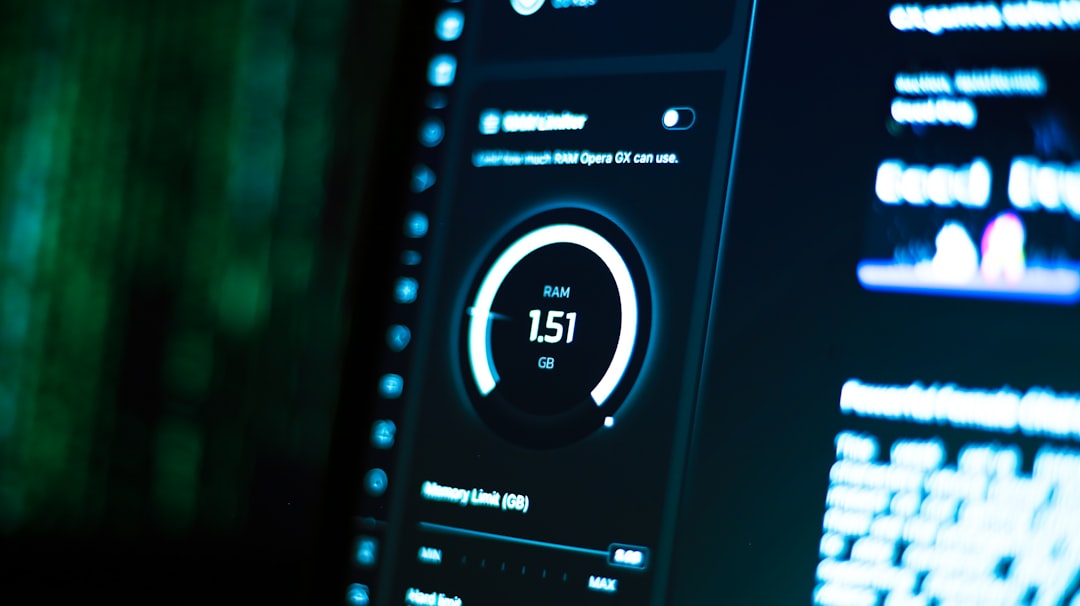
These apps are designed with simplicity and accessibility in mind. Unlike traditional router administration panels that required logging into a browser with a local IP address, modern apps provide intuitive dashboards with visual network maps and easy-to-understand metrics.
Core Features of Apps Like Google Wifi
Most home network management apps share a similar set of core features designed to monitor and optimize performance.
1. Real-Time Network Monitoring
Users can view:
- Current internet speed
- Connected devices
- Bandwidth usage per device
- Network health indicators
This transparency allows users to identify bandwidth hogs. For example, if a gaming console is downloading a large update, the app will typically show unusually high data usage for that device.
2. Device Prioritization
Device prioritization lets users assign higher bandwidth priority to selected devices. This is especially useful for:
- Video conferencing during remote work
- Online gaming sessions
- Live streaming events
With a few taps, users can ensure their laptop or streaming device receives optimal performance during critical tasks.
3. Parental Controls
Many home network apps offer built-in parental controls. These controls allow guardians to:
- Pause internet access on specific devices
- Schedule downtime
- Filter inappropriate content
- Create user groups for children
These features provide families with greater control over how and when devices access the internet.
4. Guest Network Management
Most apps allow easy creation and management of guest networks. This ensures visitors can access the internet without compromising the security of the main home network. The app often lets users:
- Rename the guest network
- Set separate passwords
- Disable access at any time
5. Security Alerts and Automatic Updates
Security is a significant concern in connected homes. Network management apps often notify users about:
- New devices joining the network
- Suspicious activity
- Available firmware updates
Automatic firmware updates ensure routers stay protected against newly discovered vulnerabilities without requiring manual intervention.
Mesh WiFi and Whole-Home Coverage
Many apps, including Google Wifi, are designed to work with mesh WiFi systems. Mesh setups use multiple nodes placed throughout a home to create consistent coverage.

Instead of relying on one central router, mesh networks distribute signal evenly. The app helps users:
- Test placement of nodes
- Run connection strength tests
- Optimize signal paths
- Identify weak spots
If a node is poorly positioned, the app may recommend moving it closer to another node to strengthen signal quality. This practical guidance significantly improves overall WiFi performance.
Troubleshooting Made Simple
Traditional troubleshooting often required technical knowledge. Modern apps simplify this process through guided diagnostics.
Common troubleshooting tools include:
- Automatic speed tests
- Connection diagnostics
- Device-specific issue detection
- Restart and reset functions
With one tap, users can restart their network remotely—a simple yet effective fix for many problems. Some apps can even detect whether an outage is caused by the internet service provider rather than the home network itself.
Bandwidth Insights and Usage Analytics
Understanding how bandwidth is consumed is crucial for optimization. Advanced analytics features provide insights such as:
- Daily and monthly data usage statistics
- Peak usage times
- High-demand devices
- Streaming versus gaming data comparisons
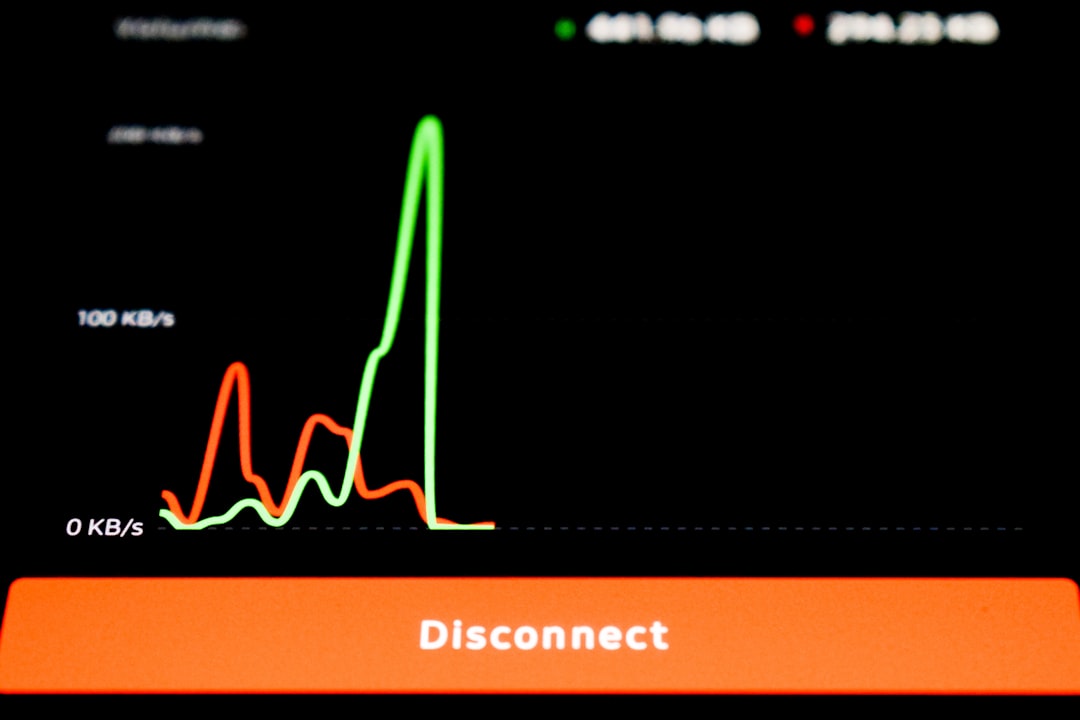
This data helps households adjust usage behaviors. For example, scheduling software updates overnight can reduce congestion during busy hours.
Optimizing WiFi Performance Using App Insights
Home network management apps go beyond observation—they provide actionable recommendations. Users can improve performance by:
- Relocating routers for better coverage
- Reducing interference from other electronics
- Upgrading outdated devices
- Switching frequency bands when available
- Enabling Quality of Service settings
Many apps automatically adjust network settings for optimal performance. Band steering, for instance, directs compatible devices to the less congested frequency band.
Benefits for Smart Homes
Smart homes rely heavily on consistent connectivity. Smart thermostats, doorbell cameras, security systems, lighting controls, and voice assistants must remain online at all times.
Network management apps ensure:
- Stable connections for critical devices
- Immediate alerts if devices disconnect
- Secure segmentation through guest networks
This reliability is especially important for security-related devices, where downtime can compromise safety.
Ease of Use for Non-Technical Users
One of the primary advantages of apps like Google Wifi is their accessibility. The interface typically uses:
- Clean dashboards
- Visual network maps
- Simple toggles and buttons
- Step-by-step instructions
This design empowers users who lack networking expertise to maintain and optimize their WiFi system confidently.
Limitations to Consider
Despite their numerous benefits, home network management apps do have limitations:
- Compatibility may be restricted to specific hardware
- Advanced settings may be limited for expert users
- Internet speed ultimately depends on the service provider
While these apps optimize internal network performance, they cannot compensate for insufficient broadband plans.
The Future of Home Network Management
As artificial intelligence and machine learning continue to evolve, home network apps are expected to become even more intelligent. Future developments may include:
- Automated predictive congestion management
- AI-driven security threat detection
- Smarter voice-controlled network adjustments
- Deeper integration with smart home ecosystems
The evolution of these tools reflects the growing complexity of digital households. Proactive network management will increasingly become standard rather than optional.
Conclusion
Home network management apps like Google Wifi have transformed how households interact with their WiFi systems. By offering real-time monitoring, device prioritization, security protections, and performance optimization tools, these apps make network management accessible to everyone. As connected devices continue to multiply, such applications will play an essential role in ensuring fast, stable, and secure internet access throughout the home.
Frequently Asked Questions (FAQ)
1. What is a home network management app?
A home network management app is a mobile application that allows users to monitor, configure, and optimize their WiFi network through a compatible router or mesh system.
2. Do these apps improve internet speed?
They optimize internal network performance and reduce congestion, but they cannot increase the maximum speed provided by the internet service provider.
3. Are home network apps secure?
Most reputable apps include encryption, automatic firmware updates, and security alerts to help protect the network from vulnerabilities and unauthorized access.
4. Can I control my children’s internet access?
Yes. Many apps include parental control features that allow device pausing, content filtering, and scheduled downtime.
5. Do I need technical knowledge to use these apps?
No. These apps are designed with user-friendly interfaces that make network management accessible even to individuals without technical backgrounds.
6. What is the benefit of device prioritization?
Device prioritization ensures critical devices, such as work laptops or gaming consoles, receive sufficient bandwidth during high-demand periods.
7. Are these apps only for mesh WiFi systems?
While commonly associated with mesh systems, many modern standalone routers also offer companion management apps with similar features.