
For beginners and small businesses, web hosting should feel simple, dependable, and predictable. HostGator has long been a familiar name, but many site owners now look for hosting providers with cleaner dashboards, stronger support, better speed, easier WordPress tools, or more transparent value. The best choice often depends on whether the business needs a basic website, an online store, a blog, or room to grow.
TLDR: Several hosting companies can be better than HostGator for beginners and small businesses because they offer easier setup, stronger performance, or more helpful support. Hostinger, SiteGround, Bluehost, DreamHost, A2 Hosting, and InMotion Hosting are six strong alternatives worth considering. Each one has a different strength, from low prices to managed WordPress features, making the right choice depend on budget, technical comfort, and growth plans.

Why Some Beginners Look Beyond HostGator
HostGator remains popular because it offers broad hosting options, frequent discounts, and a recognizable brand. However, beginners and small companies often need more than a low introductory price. They need fast support, beginner-friendly controls, dependable uptime, security tools, and website-building features that do not require much technical knowledge.
For a small business, a slow or confusing hosting experience can create real problems. A restaurant, consultant, local shop, or service provider may not have a dedicated web developer available. The hosting platform must make essential tasks simple, including installing WordPress, enabling SSL, setting up email, restoring backups, and checking performance.
The following six hosting providers are often considered better options than HostGator for specific beginner and small business needs.
1. Hostinger: Best for Budget-Conscious Beginners
Hostinger is one of the strongest alternatives for beginners who want low-cost hosting without a complicated experience. Its custom control panel is clean, modern, and easier for many new users than traditional cPanel interfaces. This makes it especially appealing to first-time website owners who want to launch quickly.
Hostinger usually stands out for its combination of affordable pricing, fast setup, and beginner-friendly tools. WordPress installation is simple, SSL is usually easy to activate, and the dashboard guides users through common actions. For small businesses trying to keep startup costs low, this balance is important.
Best for: freelancers, small local businesses, simple WordPress sites, landing pages, and portfolio websites.
- Key advantage: Very affordable plans with a simple dashboard.
- Beginner benefit: Less technical friction during setup.
- Possible drawback: Some advanced features may require higher-tier plans.
2. SiteGround: Best for Support and Managed WordPress Features
SiteGround is often recommended for small businesses that value strong support, reliability, and managed WordPress convenience. Its platform is polished and includes tools that help beginners avoid common website maintenance headaches.
Compared with HostGator, SiteGround is frequently preferred by users who want better customer service, smoother WordPress management, and strong security features. It includes helpful tools for caching, backups, staging on select plans, and performance optimization. These features are useful for businesses that rely on their website to generate leads or sales.
Although SiteGround is often more expensive after renewal than some budget hosts, its value comes from the quality of the overall experience. A beginner may pay more, but the platform can save time and reduce stress.

- Key advantage: Excellent support and WordPress-focused features.
- Beginner benefit: Helpful guidance and fewer technical obstacles.
- Possible drawback: Renewal prices can be higher than entry-level competitors.
3. Bluehost: Best for Simple WordPress Website Launches
Bluehost is another well-known hosting provider and is especially popular among WordPress beginners. Its onboarding process is designed to help users create a website quickly, even if they have never purchased hosting before.
For beginners, Bluehost can feel more direct than HostGator because it emphasizes guided setup, WordPress integration, and a simple launch flow. Users can choose a domain, install WordPress, select a theme, and begin editing with fewer decisions along the way.
Bluehost is a practical choice for bloggers, consultants, coaches, and small businesses that want a standard WordPress site without needing advanced developer tools. It may not be the fastest or most feature-rich host for every situation, but it performs well as an easy starting point.
- Key advantage: Beginner-friendly WordPress onboarding.
- Beginner benefit: Easy path from registration to published site.
- Possible drawback: Some upsells may appear during signup or setup.
4. DreamHost: Best for Transparent Value and WordPress Simplicity
DreamHost is a strong HostGator alternative for beginners who want straightforward hosting with fewer complications. It has a long reputation in the hosting industry and is known for simple WordPress hosting, transparent policies, and generous features on many plans.
DreamHost uses its own custom control panel rather than cPanel. Some users may need a short adjustment period, but many beginners appreciate the clean approach. DreamHost is also attractive because it typically offers helpful basics such as SSL, WordPress installation, and domain management in one place.
Small businesses that prefer a less aggressive sales experience may find DreamHost appealing. It is well suited for blogs, service pages, nonprofit websites, and small company websites that need stability more than flashy extras.
- Key advantage: Clear value and simple WordPress hosting.
- Beginner benefit: Fewer distractions and a straightforward dashboard.
- Possible drawback: Live support availability may vary depending on plan and timing.
5. A2 Hosting: Best for Speed-Focused Small Businesses
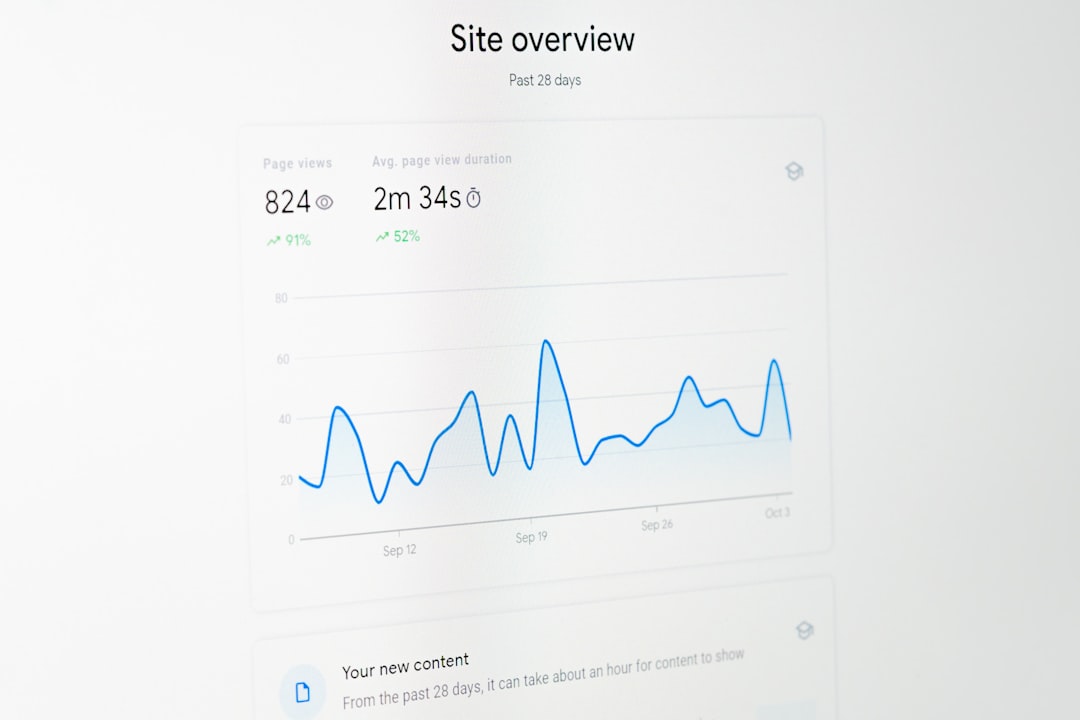
A2 Hosting is a good choice for small businesses that care about performance. Site speed matters because visitors often leave slow websites, and search engines may reward faster user experiences. A2 Hosting offers shared, WordPress, VPS, and other plans that can support growth over time.
Compared with HostGator, A2 Hosting often appeals to users who want more performance-oriented options. Its higher-tier plans may include enhanced speed features, caching tools, and optimized environments. For businesses running content-heavy websites, online booking systems, or product pages, this can be valuable.
A2 Hosting may feel slightly more technical than some beginner-first platforms, but it remains accessible for users who are willing to learn. It is a strong middle ground between low-cost shared hosting and more advanced performance hosting.
- Key advantage: Strong performance options and scalability.
- Beginner benefit: Room to grow without switching providers quickly.
- Possible drawback: The best speed features may cost more.
6. InMotion Hosting: Best for Business Hosting and Support
InMotion Hosting is a respected option for small businesses that want reliable hosting, helpful support, and a more business-oriented feature set. It offers shared hosting, WordPress hosting, VPS hosting, and dedicated servers, giving companies a path to upgrade as traffic and complexity increase.
For businesses comparing it with HostGator, InMotion Hosting may stand out for its support quality, business features, and flexible plans. It is especially suitable for companies that expect to build a more serious online presence rather than a temporary starter site.
InMotion Hosting can be a good match for professional services, agencies, local companies, and growing ecommerce projects. Its plans often include useful resources, and its support reputation makes it a reassuring option for business owners without in-house technical staff.
- Key advantage: Business-friendly hosting with strong support.
- Beginner benefit: Useful guidance for growing websites.
- Possible drawback: The interface may feel less minimal than newer beginner-focused platforms.
Quick Comparison of the 6 HostGator Alternatives
| Hosting Provider | Best For | Main Strength |
|---|---|---|
| Hostinger | Budget beginners | Low prices and easy dashboard |
| SiteGround | Support and WordPress | Reliable service and managed tools |
| Bluehost | Simple WordPress launches | Guided beginner setup |
| DreamHost | Transparent hosting value | Simple plans and WordPress focus |
| A2 Hosting | Speed-focused sites | Performance and upgrade options |
| InMotion Hosting | Small business growth | Business features and support |
How a Beginner Should Choose the Right Host
A beginner should not choose hosting based only on the lowest first-year price. Introductory hosting deals can look attractive, but renewal rates, support quality, backup tools, and performance matter more over the long term. A small business website is often a customer’s first impression, so reliability should be treated as a business requirement.
For the lowest startup cost, Hostinger is often the most attractive choice. For the best support experience, SiteGround deserves serious attention. For a simple WordPress launch, Bluehost and DreamHost are both practical. For speed and growth, A2 Hosting and InMotion Hosting are strong candidates.
The most important features to compare include:
- Ease of use: The dashboard should make domains, SSL, WordPress, and email easy to manage.
- Support: Beginners benefit from quick, patient, and knowledgeable assistance.
- Performance: Faster websites create better visitor experiences.
- Backups: Reliable backups help protect the business from mistakes and technical failures.
- Security: SSL, malware protection, updates, and monitoring are important for trust.
- Renewal pricing: The long-term cost should fit the business budget.
Final Verdict
HostGator can still work for some websites, but it is no longer the automatic default for beginners and small businesses. Many alternatives now offer smoother dashboards, better WordPress experiences, stronger performance, or more supportive customer service. The best HostGator replacement depends on what the business values most.
Hostinger is ideal for low-cost simplicity, while SiteGround is one of the best choices for support and managed WordPress features. Bluehost and DreamHost work well for straightforward WordPress websites, while A2 Hosting and InMotion Hosting are better fits for businesses thinking about performance and growth. For most beginners, the smartest host is the one that reduces confusion, protects the website, and leaves enough room for the business to expand.
FAQ
1. Is HostGator bad for beginners?
No. HostGator is not necessarily bad for beginners, but some alternatives may offer easier dashboards, better support, faster performance, or more modern WordPress tools.
2. What is the best HostGator alternative for a small business?
SiteGround is a strong choice for support and reliability, while InMotion Hosting is excellent for business-focused hosting. The best option depends on budget and website goals.
3. Which HostGator alternative is the cheapest?
Hostinger is often one of the cheapest reputable alternatives for beginners, especially for simple websites and small business starter sites.
4. Which hosting provider is best for WordPress beginners?
Bluehost, DreamHost, and SiteGround are all strong WordPress options. Bluehost is simple for launching, DreamHost is straightforward, and SiteGround offers more managed features.
5. Should a small business choose shared hosting?
Shared hosting is usually enough for a new small business website. As traffic grows, the business can upgrade to managed WordPress hosting, VPS hosting, or cloud hosting.
6. What matters more: price or performance?
Both matter, but performance and reliability usually become more important over time. A very cheap host may cost more indirectly if the website is slow, unavailable, or difficult to manage.