
Amazon’s Fire TV Stick has become a staple in home entertainment, but the small remote that comes with it is easy to lose, damage, or outgrow. As a result, many users start searching for alternatives that offer more features, better durability, or universal compatibility. The big question is simple: which universal remotes actually work with Firestick?
TLDR: Not all universal remotes work seamlessly with Firestick because the device primarily uses Bluetooth rather than traditional infrared (IR). The best alternatives are Alexa Voice Remote replacements, select Harmony remotes, and certain IR remotes compatible with TVs that support HDMI-CEC. Before buying, users should confirm Bluetooth support or ensure their TV can control Firestick via HDMI-CEC. Cheap IR-only remotes without CEC compatibility generally will not work directly with Firestick.
Why Firestick Compatibility Is Different
Unlike traditional cable boxes or DVD players, the Fire TV Stick relies mainly on Bluetooth to communicate with its remote. Most universal remotes on the market operate via infrared (IR), which requires direct line of sight. Because Firestick does not natively accept IR signals, this creates compatibility challenges.
There are three main ways a remote can control a Firestick:
- Bluetooth pairing (direct connection to the Firestick)
- HDMI-CEC control (controlling Firestick through the TV’s HDMI connection)
- Smart hub systems that translate IR or app commands into Bluetooth
Understanding these control methods is essential before purchasing a universal remote.
Option 1: Official Alexa Voice Remote Alternatives
The most reliable alternative is another official Alexa Voice Remote or certified replacement. These remotes are designed specifically for Fire TV devices and connect via Bluetooth.
Why they work:
- Native Bluetooth compatibility
- Full Alexa voice support
- Simple pairing process
- Access to power and volume controls (on supported TVs)
Users simply hold the Home button for about 10 seconds to initiate pairing. The Firestick recognizes it almost instantly.
Drawback: While dependable, these remotes are not “universal” in the traditional sense. They mainly control the Fire TV Stick and limited TV functions.
Option 2: Logitech Harmony (When Available)
Though discontinued, Logitech Harmony remotes remain one of the most effective universal solutions for Firestick users. Models such as the Harmony Hub, Harmony Elite, and Harmony Companion can control Fire TV devices.
Harmony works because it uses a hub-based system that communicates via Bluetooth, Wi-Fi, and IR. The hub translates commands so the Firestick can understand them.
Advantages:
- Controls multiple devices simultaneously
- Custom activity-based commands (e.g., “Watch Netflix”)
- Works with smart home systems
Disadvantages:
- No longer manufactured
- Can be expensive on resale markets
- Requires setup through Harmony software
For users who already own a Harmony system, it remains one of the most seamless Firestick universal remote solutions available.
Option 3: IR Universal Remotes with HDMI-CEC
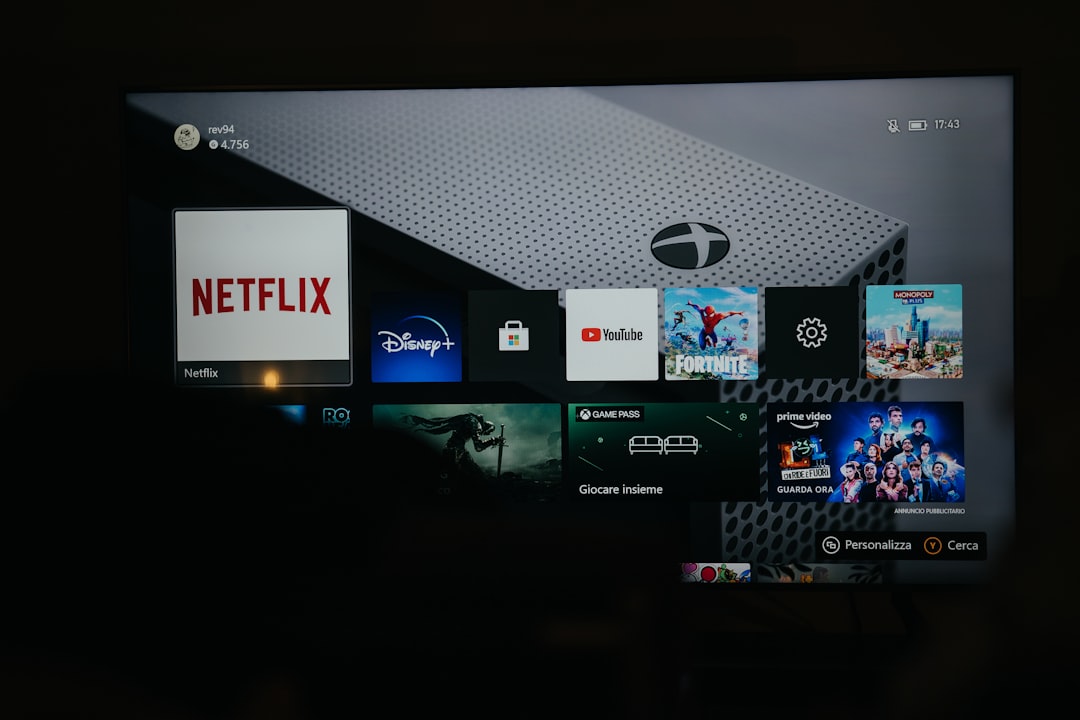
Some universal remotes can control Firestick indirectly using HDMI-CEC (Consumer Electronics Control). CEC allows devices connected via HDMI to control each other.
If the TV supports HDMI-CEC (sometimes branded as Anynet+, Bravia Sync, or Simplink), an IR universal remote can control the TV, which then controls the Firestick.
How it works:
- User enables HDMI-CEC in the TV settings.
- Universal remote controls the TV via IR.
- The TV passes navigation commands to the Firestick.
Limitations:
- No voice control
- Limited functionality in some TV brands
- May not support all Firestick features
This setup works best for basic navigation but may not satisfy users wanting full smart functionality.
Option 4: SofaBaton Universal Remotes
One of the few modern universal remotes frequently recommended for Firestick users is SofaBaton, particularly the X1 model with hub support. Like Harmony, it uses a hub to enable Bluetooth control.
Why SofaBaton works:
- Hub-based Bluetooth capability
- Supports thousands of devices
- App-based configuration
Setup requires pairing through the SofaBaton app, where users add Fire TV as a Bluetooth device. Once configured, it can control Firestick alongside TVs, audio receivers, and game consoles.
Potential downside: App setup can take time, and some users report occasional lag.
Option 5: Using a Smartphone App
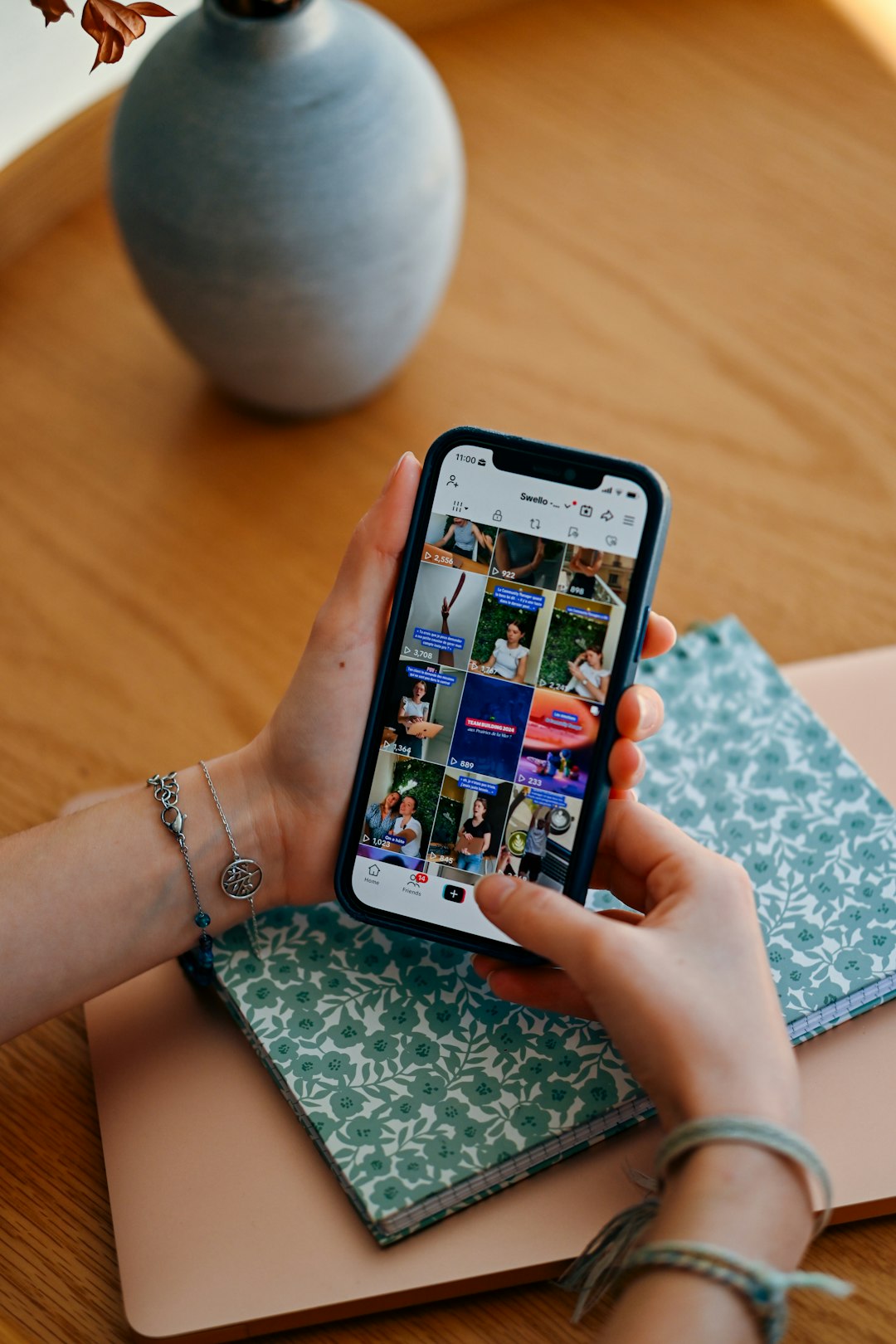
While not a traditional remote, the Amazon Fire TV App (available on iOS and Android) serves as a fully functional alternative.
Features include:
- Full navigation control
- Keyboard input for faster typing
- Alexa voice integration
- Automatic device detection on Wi-Fi
This solution is particularly useful when the physical remote is lost. However, it requires the phone to be on the same Wi-Fi network as the Firestick.
Universal Remotes That Usually Do Not Work
Many budget universal remotes advertised as “compatible with all TVs” fail to mention that they are IR-only. These will not communicate directly with Firestick.
Common issues include:
- No Bluetooth support
- No hub system
- No HDMI-CEC compatibility setup
Without at least one of those features, the remote cannot send commands to the Firestick.
Key Features to Look for Before Buying
When shopping for a Firestick-compatible universal remote, consumers should confirm:
- Bluetooth support (direct pairing ability)
- Hub-based control system
- HDMI-CEC compatibility
- Voice assistant integration
- Regular firmware updates
Checking product manuals or manufacturer websites can prevent frustration later.
Are Replacement Remotes Better Than Universal Remotes?
For many users, the simplest solution is an official replacement remote. It requires no complicated programming and preserves voice features.
Universal remotes are most beneficial in households with multiple entertainment devices. Instead of juggling three to five remotes, users can consolidate control into one system.
However, users who only need to replace a broken Firestick remote usually find that an official Alexa Voice Remote is cheaper and easier.
Final Thoughts
Firestick remote alternatives do exist, but compatibility depends heavily on the technology behind the remote. Because Fire TV Stick prioritizes Bluetooth over infrared, many traditional universal remotes fall short.
The most reliable solutions include:
- Official Alexa Voice Remote replacements
- Harmony hub-based remotes (if available)
- SofaBaton hub-enabled models
- HDMI-CEC setups through compatible TVs
- The Amazon Fire TV mobile app
Before purchasing, users should confirm their TV’s CEC capabilities and verify whether the remote supports Bluetooth. Taking these steps ensures the remote will actually work rather than becoming another unusable gadget in the drawer.
Frequently Asked Questions (FAQ)
1. Can any universal remote control a Firestick?
No. Most IR-only universal remotes cannot directly control a Firestick because it primarily uses Bluetooth.
2. Does Firestick support infrared remotes?
Not directly. It may work indirectly through HDMI-CEC if the TV supports that feature.
3. What is HDMI-CEC and why does it matter?
HDMI-CEC allows devices connected through HDMI to control each other. It enables some IR remotes to control Firestick through the TV.
4. Is Logitech Harmony still a good option?
Yes, if already owned. Although discontinued, Harmony hub-based remotes remain highly compatible with Firestick.
5. Can a Roku remote control a Firestick?
No. Roku remotes are not compatible with Fire TV devices.
6. What is the easiest Firestick remote alternative?
An official Alexa Voice Remote replacement is typically the simplest and most reliable solution.
7. Can a smartphone completely replace a Firestick remote?
Yes, as long as the Fire TV app is installed and both devices are connected to the same Wi-Fi network.
8. Do universal remotes support Alexa voice commands?
Only some hub-based systems or official Alexa remotes provide full voice assistant integration.