
Modern software delivery demands speed, reliability, and consistency. Yet many organizations still struggle with release failures caused by manual processes, inconsistent environments, and insufficient testing. Implementing a well-designed CI/CD (Continuous Integration and Continuous Delivery) pipeline is one of the most effective ways to reduce release errors—often by as much as 70%. When properly structured, a CI/CD pipeline transforms software delivery from a risky event into a predictable, automated process.
TLDR: A well-implemented CI/CD pipeline reduces release errors by automating builds, enforcing consistent testing, standardizing environments, and introducing incremental deployments. The key is not just automation, but disciplined pipeline design, strong testing strategies, and meaningful monitoring. Start with version control discipline, integrate automated quality gates, and progressively automate deployments with rollback protections. Done correctly, CI/CD significantly improves reliability, speed, and developer confidence.
Understanding Why Releases Fail
Before implementing CI/CD, it is important to understand why releases fail in the first place. Most release errors stem from:
- Manual deployment steps prone to human error
- Environment inconsistencies between development, staging, and production
- Incomplete or inconsistent testing
- Last-minute changes merged without adequate validation
- Lack of visibility into application health post-deployment
CI/CD directly addresses these root causes through automation, standardization, and continuous verification.
Step 1: Establish Strong Version Control Practices
Every reliable CI/CD pipeline begins with disciplined version control. All code, configuration, infrastructure definitions, and deployment scripts must be stored in a version-controlled repository.
Key practices include:
- Trunk-based development or a clearly defined branching strategy
- Mandatory pull requests with peer review
- Automated checks triggered on every commit
- Small, frequent commits to reduce integration complexity
The goal is to ensure that integration happens continuously rather than in large, risky batches. This alone reduces merge conflicts and unexpected regressions.
Step 2: Automate Builds Immediately
Continuous Integration begins with automated builds. Every commit should trigger a pipeline that compiles code, installs dependencies, and performs basic tests.

A reliable automated build ensures:
- The application compiles successfully
- Dependencies are resolved consistently
- Build scripts are reproducible
- Artifacts are packaged uniformly
By forcing every commit through the same automated build process, you eliminate “works on my machine” problems and ensure early detection of integration issues.
Step 3: Implement Comprehensive Automated Testing
Reducing release errors by 70% requires a strong automated testing strategy. Testing must occur at multiple levels:
1. Unit Tests
- Validate small, isolated components
- Run quickly and frequently
- Provide rapid feedback to developers
2. Integration Tests
- Validate interaction between components
- Ensure APIs and services communicate properly
3. End-to-End Tests
- Simulate real user workflows
- Catch workflow and UI failures
4. Regression Test Suites
- Prevent previously resolved defects from reappearing
An effective pipeline enforces quality gates. If tests fail, the build stops. This prevents unstable code from progressing further along the release path.
Important: Fast feedback is essential. Unit tests should complete within minutes. Slow pipelines discourage frequent commits, which undermines CI/CD benefits.
Step 4: Standardize Environments Using Infrastructure as Code
Environment inconsistency is a major source of release errors. Systems behave differently across development, staging, and production due to configuration drift.
Infrastructure as Code (IaC) resolves this problem by defining infrastructure in version-controlled configuration files.
- Provision identical environments automatically
- Eliminate manual server configuration
- Track infrastructure changes via version history
- Enable repeatable, predictable deployments

Containerization further strengthens consistency by packaging applications with their dependencies. Whether deployed locally or in production, containers ensure identical runtime behavior.
Step 5: Automate Deployment in Controlled Stages
Continuous Delivery extends CI by automatically preparing builds for deployment. The safest approach involves staged rollouts.
- Deploy to a testing environment
- Run automated integration and smoke tests
- Promote to staging automatically upon success
- Perform final validation before production release
For high-confidence systems, Continuous Deployment may push changes directly into production after passing all gates. However, this requires mature monitoring and rollback processes.
Use Safe Deployment Strategies
- Blue-green deployments: Maintain two identical environments and switch traffic after validation.
- Canary releases: Gradually expose new features to a small percentage of users.
- Feature flags: Release code without activating features immediately.
These strategies reduce blast radius when defects occur, greatly lowering the impact of errors.
Step 6: Introduce Automated Quality Gates
Beyond testing, quality gates enforce broader standards before code progresses:
- Static code analysis
- Security vulnerability scanning
- Code coverage thresholds
- Dependency licensing validation
- Performance benchmarks
Embedding these checks in the pipeline prevents problematic builds from reaching production. Automation ensures standards are enforced objectively and consistently.
Step 7: Implement Robust Monitoring and Observability
No deployment is complete without monitoring. Reducing release errors is not only about prevention—it is also about fast detection and response.
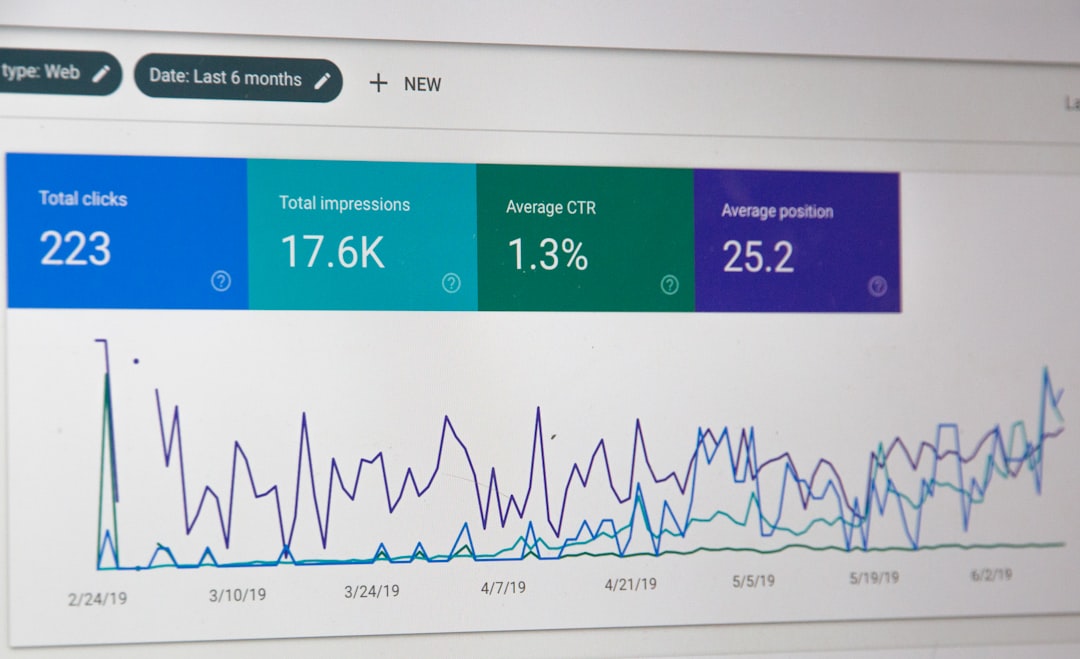
A mature CI/CD system integrates:
- Application performance monitoring (APM)
- Centralized log management
- Error tracking systems
- Real-time alerting
Monitoring enables rapid rollback or hotfix deployment if anomalies appear. The faster issues are detected, the smaller the impact and the lower the operational risk.
Step 8: Enable Automated Rollbacks
Even well-tested releases can encounter unforeseen scenarios. Automated rollback mechanisms ensure quick recovery.
Rollback capabilities should:
- Revert to a previously validated artifact
- Restore database state when necessary
- Be executable via automated scripts
- Require minimal human intervention
The objective is not to eliminate all defects—that is unrealistic. The objective is to minimize impact and recovery time.
Step 9: Measure Pipeline Effectiveness
To confirm a 70% reduction in release errors, organizations must track measurable metrics:
- Deployment frequency
- Change failure rate
- Mean time to recovery (MTTR)
- Lead time for changes
High-performing CI/CD systems typically show:
- Frequent, small deployments
- Lower change failure rates
- Rapid recovery from incidents
- Shorter feedback cycles
Data-driven review ensures the pipeline continuously improves rather than stagnates.
Step 10: Build a Culture of Responsibility and Continuous Improvement
Technology alone does not reduce release errors—discipline and culture do. Developers must view pipeline health as a shared responsibility.
Best practices include:
- Maintaining pipeline visibility
- Addressing failures immediately
- Conducting blameless postmortems
- Continuously refining test coverage
- Revisiting deployment strategies as systems evolve
A broken pipeline must be treated as an emergency. If unreliable builds accumulate, trust erodes and teams revert to risky manual workarounds.
Common Pitfalls to Avoid
Organizations often undermine CI/CD effectiveness by:
- Overcomplicating pipelines prematurely
- Neglecting test maintenance
- Allowing manual exceptions
- Ignoring security automation
- Failing to monitor production thoroughly
Start simple, ensure reliability, and iterate gradually. A stable, evolving pipeline is far more effective than a complex, brittle one.
Conclusion
Implementing CI/CD pipelines that reduce release errors by 70% is achievable when automation, testing, environment consistency, and monitoring work together as an integrated system. Strong version control practices form the foundation, automated builds and tests create quality gates, and staged deployments minimize risk. Observability and rollback capabilities provide resilience when issues arise.
Organizations that commit to disciplined CI/CD implementation experience fewer outages, faster releases, and greater developer confidence. In a competitive environment where reliability directly impacts revenue and reputation, the investment in a mature CI/CD pipeline is not optional—it is essential.
The ultimate objective is predictable delivery. When every change passes through a rigorous, automated pipeline, releases cease to be high-risk events and become routine operations. That is the true measure of CI/CD success.