
Choosing between the Kindle Paperwhite and the Kindle Paperwhite Signature Edition can feel surprisingly complicated. At first glance, the two e-readers look almost identical, share the same screen size, and offer a similarly smooth reading experience. Yet, under the surface, there are meaningful differences that could influence which model is right for you. Whether you’re a casual reader or a book-devouring enthusiast, understanding what separates these two devices can help you make a confident purchase.
TL;DR: The Kindle Paperwhite and Signature Edition share the same 6.8-inch display and core reading experience, but differ in storage, charging options, auto-adjusting light, and price. The Signature Edition offers 32GB storage, wireless charging, and an ambient light sensor, while the standard Paperwhite comes with 16GB and no wireless charging. Battery life is excellent on both, but convenience features tilt the premium experience toward the Signature Edition. If you want simplicity and savings, go standard; if you want extra features and flexibility, go Signature.
Quick Comparison Chart
| Feature | Kindle Paperwhite | Kindle Paperwhite Signature Edition |
|---|---|---|
| Display | 6.8-inch glare-free | 6.8-inch glare-free |
| Storage | 16GB | 32GB |
| Wireless Charging | No | Yes |
| Auto-Adjusting Front Light | No | Yes |
| Battery Life | Up to 10 weeks | Up to 10 weeks |
| Charging Port | USB-C | USB-C + Qi wireless |
| Price | Lower | Higher |
1. Storage Capacity: 16GB vs 32GB
The most straightforward difference between these two models is storage. The standard Kindle Paperwhite comes with 16GB of storage, while the Signature Edition doubles that to 32GB.
For most readers, 16GB is plenty. E-books are relatively small files, often only a few megabytes each. With 16GB, you can store thousands of books. However, if you:
- Download lots of audiobooks from Audible
- Read graphic novels or illustrated books
- Prefer to keep your entire library stored locally
Then 32GB might provide added peace of mind. Audiobooks in particular take up significantly more space than standard text-based e-books.
2. Wireless Charging Capability
One of the standout premium features of the Signature Edition is Qi wireless charging support. The standard Paperwhite does not include this feature.
This might not seem like a big deal initially, but wireless charging adds convenience. Simply place the Signature Edition on a compatible charging pad, and it powers up—no cables required.
Image not found in postmetaIf you already use wireless chargers for your phone or earbuds, integrating your e-reader into that ecosystem can reduce cable clutter and simplify your setup.
3. Auto-Adjusting Front Light
Both devices include adjustable warm lighting, allowing you to shift from a cool white glow during the day to a warmer amber tone at night. However, the Signature Edition goes a step further with an auto-adjusting front light.
This feature uses an ambient light sensor to automatically adjust brightness based on your surroundings. Reading outside on a sunny day? It compensates. Reading in a dim room at night? It adjusts accordingly.
The standard Paperwhite requires manual brightness adjustment. For many users, this isn’t a problem. But for those who frequently change reading environments, the automatic feature adds noticeable convenience.
4. Identical Display Quality—And That’s a Good Thing
Interestingly, both models share the exact same display specs:
- 6.8-inch screen
- 300 ppi resolution
- Glare-free coating
- Adjustable warm light
This means text sharpness, contrast, and overall reading comfort are identical. There is no visual disadvantage to choosing the regular Paperwhite.
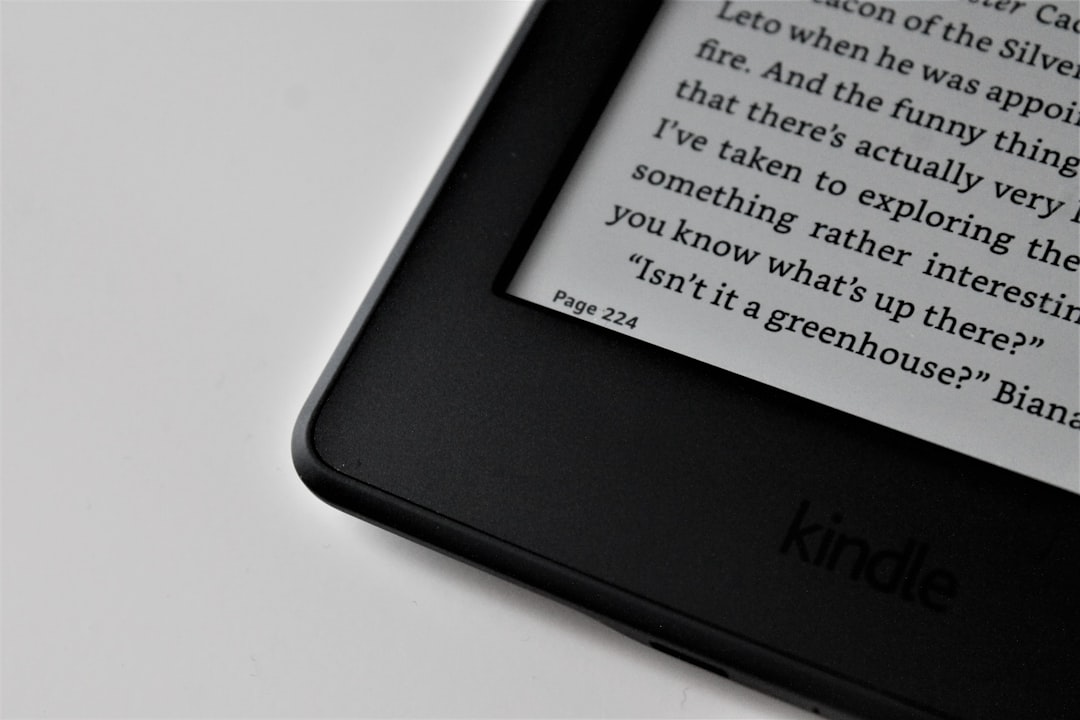
The 6.8-inch screen is larger than older Paperwhite versions, providing more text per page and fewer page turns. The 300 ppi resolution ensures text appears crisp and paper-like, closely mimicking the experience of reading a physical book.
5. Battery Life and Charging Speed
Amazon claims up to 10 weeks of battery life for both models, based on about 30 minutes of reading per day with wireless off and light settings at mid-level.
In real-world use, battery performance is remarkably similar. Your usage habits—like brightness level and Wi-Fi connectivity—will have a larger influence than which model you choose.
Both devices feature USB-C charging, as opposed to the older micro-USB ports found in previous generations. This provides faster charging speeds and better compatibility with modern cables.
The key difference? The Signature Edition adds wireless charging on top of USB-C. If you travel frequently, having multiple charging options can offer valuable flexibility.
6. Price Difference: Is It Worth It?
The standard Kindle Paperwhite is more affordable, typically priced lower than the Signature Edition by a noticeable margin. Pricing can fluctuate, especially during major sales events, but the Signature Edition usually commands a premium.
So what exactly are you paying extra for?
- Double the storage (32GB)
- Wireless charging
- Auto-adjusting light sensor
If you don’t care about wireless charging or ambient light sensors, the regular Paperwhite delivers nearly the same experience for less money. Many readers find it hits the sweet spot between price and functionality.
7. Special Offers and Ad-Supported Versions
Both models are typically available in two versions:
- Ad-supported (with lockscreen ads)
- Ad-free
The ad-supported versions are cheaper but display sponsored screensavers when the device is locked. These ads do not appear while reading.
It’s important to note that the Signature Edition often comes ad-free by default, depending on region and retailer. The standard Paperwhite usually charges an additional fee if you want to remove ads.
This subtle difference can narrow the price gap between the two models, especially if you were already planning to opt for the ad-free experience.
Design and Build: Any Differences?
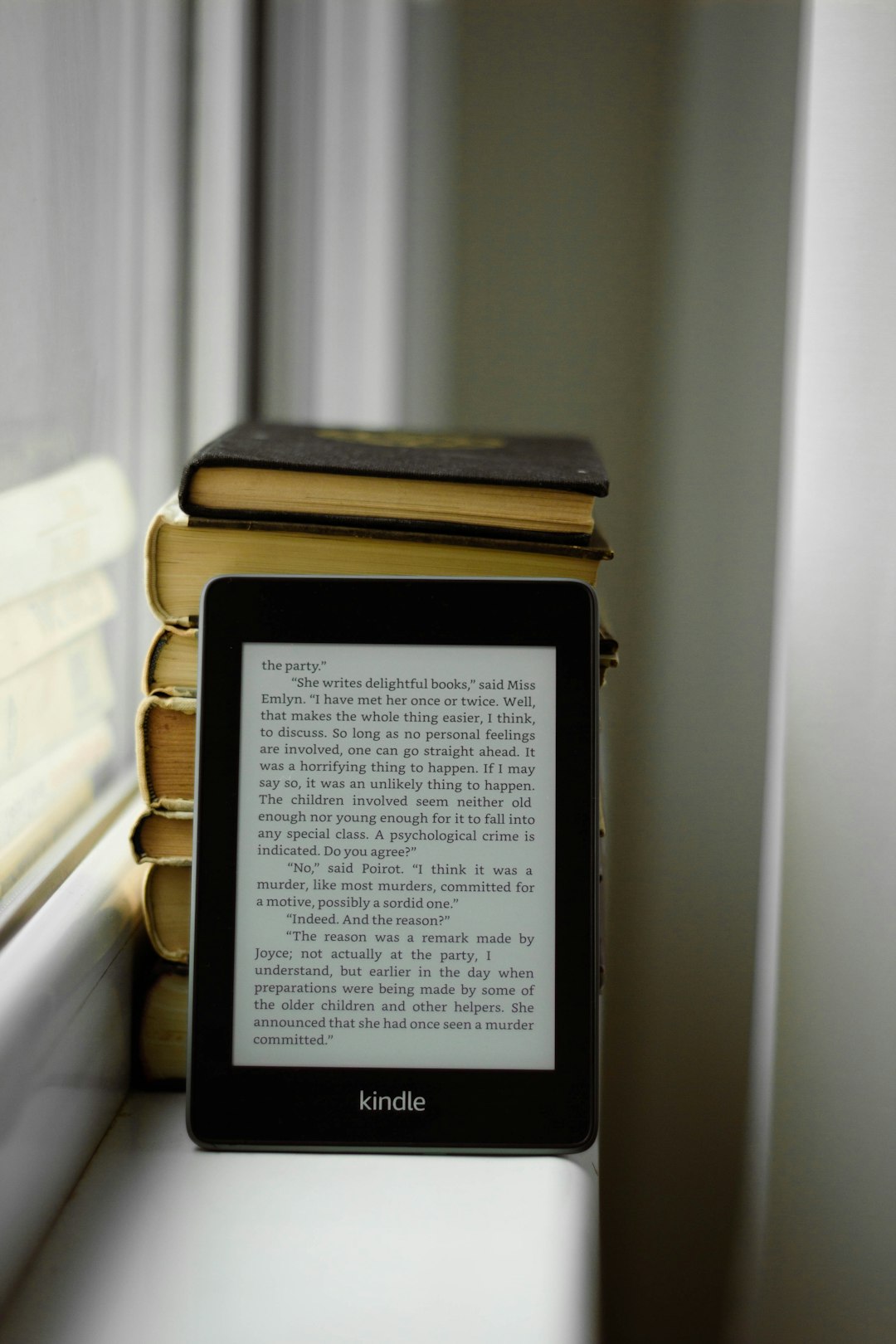
From a physical standpoint, both devices look and feel almost identical. They share:
- A flush-front design
- Thin bezels
- IPX8 waterproof rating
- Lightweight construction
The IPX8 rating means both models can survive accidental drops in water—up to 2 meters for up to 60 minutes. Whether you read in the bath, by the pool, or at the beach, either device offers solid durability.
Because they are nearly indistinguishable externally, your buying decision really hinges on internal features rather than form factor.
Which One Should You Choose?
Here’s a quick way to decide:
Choose the standard Kindle Paperwhite if:
- You mostly read standard e-books
- You don’t need wireless charging
- You prefer to save money
- You don’t mind adjusting brightness manually
Choose the Signature Edition if:
- You listen to Audible audiobooks frequently
- You want maximum storage
- You value convenience features like auto-brightness
- You already own wireless charging pads
Final Thoughts
The Kindle Paperwhite and Signature Edition are more alike than they are different. Both deliver an exceptional, distraction-free reading experience with a crisp display, adjustable warm lighting, long battery life, and waterproof protection.
The Signature Edition enhances that foundation with thoughtful extras—more storage, automatic brightness adjustment, and wireless charging. These upgrades don’t dramatically change the core reading experience, but they do improve convenience and future-proof the device for power users.
Ultimately, your choice comes down to how much you value those premium touches. If you want the best possible Paperwhite experience and don’t mind paying a bit more, the Signature Edition is an excellent investment. If you’re focused purely on reading comfort and affordability, the standard Kindle Paperwhite remains one of the best e-readers on the market.
No matter which you choose, you’re getting a device built for immersive, comfortable reading—exactly what a Kindle should deliver.