
When your LED light remote suddenly stops working, it can be both inconvenient and frustrating. Whether you use LED strip lights for ambient lighting, task illumination, or decorative purposes, the remote control plays a central role in managing brightness, color, and modes. Fortunately, most remote-related issues are minor and can be resolved quickly with systematic troubleshooting. This guide outlines practical, proven steps to identify the cause and restore full functionality.
TLDR: If your LED light remote is not working, start by checking and replacing the batteries, ensuring there is a clear line of sight, and confirming the power supply to the LED unit. Resetting the controller and re-pairing the remote often resolves signal issues. If basic troubleshooting fails, inspect the receiver and wiring connections for faults. Most problems are easy to fix without professional assistance.
Understanding How LED Light Remotes Work
Before troubleshooting, it is helpful to understand the basics. Most LED light remotes operate using either infrared (IR) or radio frequency (RF) signals.
- Infrared (IR) remotes require a direct line of sight to the receiver.
- Radio Frequency (RF) remotes can work through walls and obstacles.
If your remote suddenly fails, identifying which type you have will help narrow down the cause of the issue.
Step 1: Check and Replace the Batteries
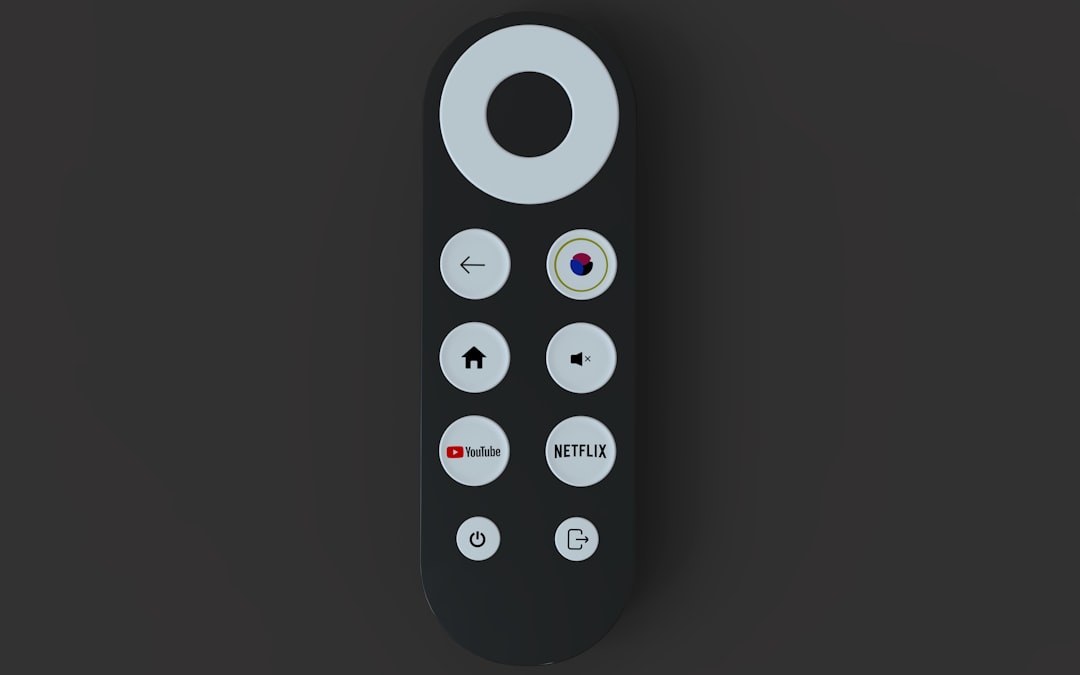
The most common cause of a non-working LED remote is simple: dead or weak batteries. Even if the remote’s indicator light turns on, the batteries may not provide enough power to send a strong signal.
What to do:
- Remove the battery cover.
- Take out the old batteries.
- Wait 30 seconds.
- Insert fresh, high-quality batteries.
- Ensure correct polarity alignment.
Tip: Avoid mixing old and new batteries, as this can reduce performance and cause leakage.
If replacing the batteries does not resolve the issue, proceed to the next step.
Step 2: Confirm the LED Lights Have Power
Sometimes the problem is not the remote at all. Check whether the LED strip or fixture is receiving power.
Inspect the following:
- Is the power adapter plugged in securely?
- Is the wall outlet functioning properly?
- Is there a tripped circuit breaker?
- Are the LED strips visibly illuminated in any mode?
If the lights do not turn on manually (if a manual power switch exists), the issue may lie with the power supply or transformer rather than the remote.
Step 3: Ensure Proper Line of Sight (For IR Remotes)
If you are using an infrared remote, it must have a direct path to the receiver sensor. Even small obstructions can interrupt the signal.
Common obstructions include:
- Furniture or shelving
- Cabinet edges
- Decorative panels
- Dust covering the sensor
Clean the receiver eye gently with a soft cloth. Stand within 10 to 15 feet and aim directly at the receiver when pressing buttons.
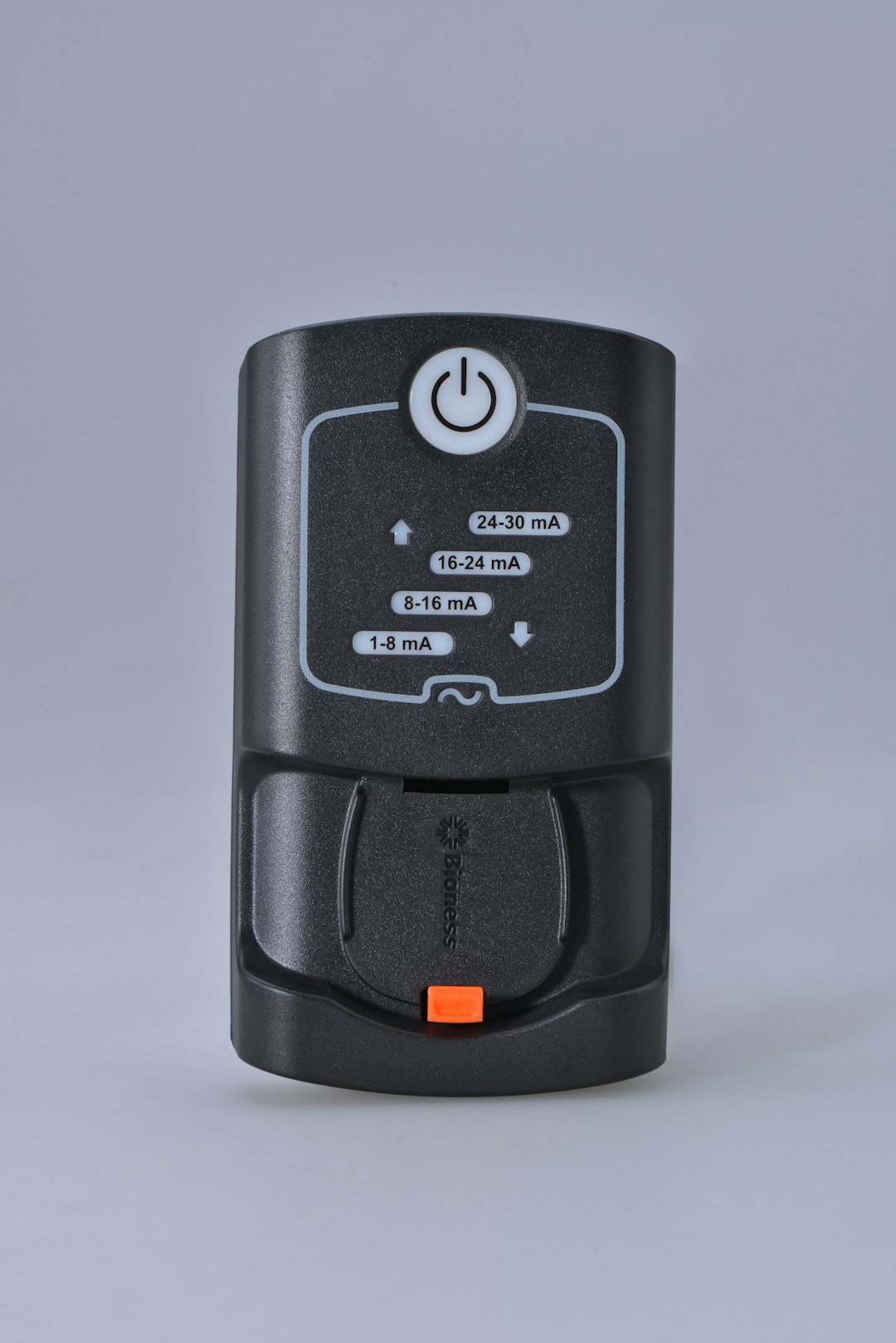
If you are unsure whether your remote is sending a signal, you can test an IR remote using a smartphone camera. Point the remote toward the camera and press a button. If you see a flashing light on the camera screen, the remote is transmitting.
Step 4: Reset the LED Controller
Many LED lighting systems include a separate controller box between the power supply and the light strip. This controller can occasionally freeze or lose synchronization with the remote.
To reset the system:
- Unplug the LED power supply.
- Wait at least 60 seconds.
- Reconnect the power.
- Attempt to use the remote immediately after plugging it back in.
For some brands, you may need to press and hold the power button for several seconds to re-pair the remote with the controller. Consult the product manual for exact pairing instructions.
Step 5: Check for Signal Interference
RF remotes typically have greater reliability, but they can still suffer interference from nearby electronics.
Potential sources of interference:
- WiFi routers
- Wireless speakers
- Microwave ovens
- Other RF-controlled lighting systems
Try temporarily turning off nearby wireless devices to see if functionality improves. If interference is confirmed, relocating the controller slightly can often solve the issue.
Step 6: Inspect Wiring Connections
Loose or improperly connected wiring may prevent the receiver from functioning correctly.
Carefully examine:
- Connection points between LED strips and controller
- Power adapter connections
- Visible signs of frayed or damaged wires
Ensure connectors are firmly seated and aligned with polarity markings. A reversed connection may power the strip partially but disable remote responsiveness.
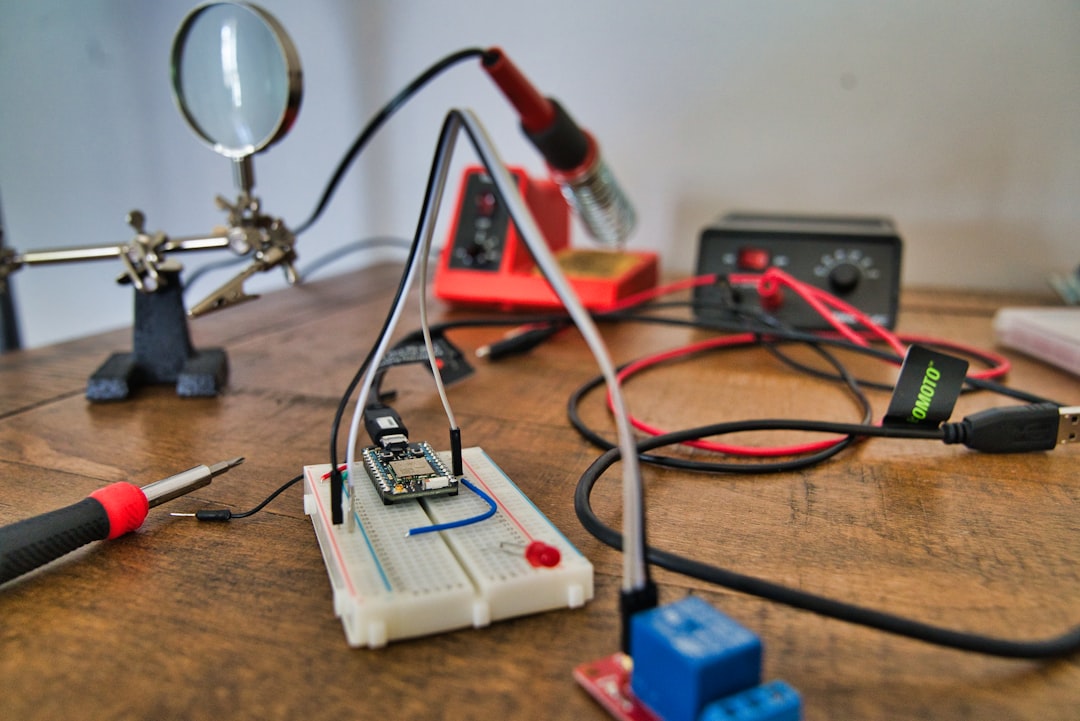
If you notice burn marks, melting, or excessive heat near connection points, discontinue use and replace the faulty component immediately.
Step 7: Re-pair or Reprogram the Remote
Some LED remote systems require programming or pairing after battery replacement or power interruption.
General re-pairing steps may include:
- Turning the LED lights off completely.
- Turning them back on.
- Pressing and holding a designated pairing button within 3 to 5 seconds.
Because procedures vary by manufacturer, refer to your specific instruction manual. If the original manual is unavailable, most brands provide digital copies online.
Step 8: Test with a Replacement Remote
If all troubleshooting steps fail, the remote itself may be defective. Over time, remotes can suffer internal circuit damage due to drops, moisture exposure, or general wear.
Consider the following:
- Has the remote been dropped recently?
- Is there visible corrosion in the battery compartment?
- Do certain buttons work while others do not?
Replacement remotes are often inexpensive and widely available. Ensure compatibility with your specific LED controller model before purchasing.
When to Replace the Controller or Power Supply
If replacing the remote does not solve the problem, the receiver controller may be faulty. Controllers can fail due to:
- Voltage surges
- Overheating
- Manufacturing defects
- Extended usage wear
In this case, replacing the controller unit is typically straightforward and cost-effective compared to replacing the entire LED lighting installation.
Preventive Measures to Avoid Future Issues
To reduce the risk of future remote malfunctions, consider the following best practices:
- Use surge protectors for LED power supplies.
- Keep remotes away from moisture and extreme temperatures.
- Replace batteries proactively every 6 to 12 months.
- Avoid bending or sharply folding LED strip connectors.
- Keep receiver sensors clean and unobstructed.
Routine inspection and simple maintenance significantly extend the life of both remotes and controller units.
Final Thoughts
A non-responsive LED light remote is usually a minor issue that can be resolved in minutes with careful troubleshooting. In most cases, the problem stems from weak batteries, blocked signals, or temporary controller desynchronization. Systematically checking each component—from power source to receiver—ensures an efficient and logical resolution process.
By following the steps outlined above, you can restore control over your LED lighting system without unnecessary expense or professional intervention. If problems persist after completing all recommended steps, replacing the remote or controller is typically the most reliable final solution.
Reliable lighting control enhances convenience, comfort, and overall functionality of your space. Addressing remote issues promptly ensures your LED system continues performing as intended.