
Viewing Instagram Stories without signing in is a common request, especially for people who want to check publicly available content without creating an account, using a personal profile, or opening the Instagram app. A no-login Instagram Story viewer can be useful, but it should be used carefully, legally, and with respect for privacy. The key point is simple: these tools should only be used for public accounts and publicly accessible content, not to bypass privacy settings or access restricted material.
TLDR: You can use an Instagram Story viewer without logging in by opening a reputable web-based viewer, entering the exact public Instagram username, and viewing available stories or highlights if the tool can access them. These viewers generally work only with public profiles and cannot legitimately show private account content. Avoid any website that asks for your Instagram password, payment details without clear terms, software downloads, or suspicious permissions. Use these tools responsibly and respect the privacy and rights of content owners.
What Is an Instagram Story Viewer Without Login?
An Instagram Story viewer without login is usually a web-based service that lets you enter an Instagram username and view publicly available stories without signing into an Instagram account. Instead of using the Instagram app or website directly, you access the content through a third-party interface.
These services typically claim to offer one or more of the following features:
- Viewing public Instagram Stories anonymously
- Checking public highlights
- Viewing public profile information
- Opening public posts or reels
- Downloading public media in some cases
However, it is important to understand the limitations. A legitimate viewer should not be able to access private profiles, hidden stories, close friends content, deleted stories, or anything protected by Instagram’s privacy controls. If a site claims it can show private accounts without permission, that is a serious warning sign.
When Using a No-Login Viewer May Be Appropriate
There are practical and reasonable situations where someone may want to use an Instagram Story viewer without logging in. For example, a journalist may want to verify public updates from a public figure, a brand manager may want to check a competitor’s public campaign, or a person without an Instagram account may want to view a public event announcement.
Some common legitimate uses include:
- Researching public brand activity for marketing or business analysis
- Checking public event updates from organizations, venues, or public figures
- Viewing content without an account when you do not use Instagram personally
- Monitoring your own public presence from an outside perspective
- Reducing unnecessary app usage while still checking public information
The important distinction is that the content must already be public. A no-login viewer is not a tool for gaining unauthorized access, evading blocks, or exposing private information.
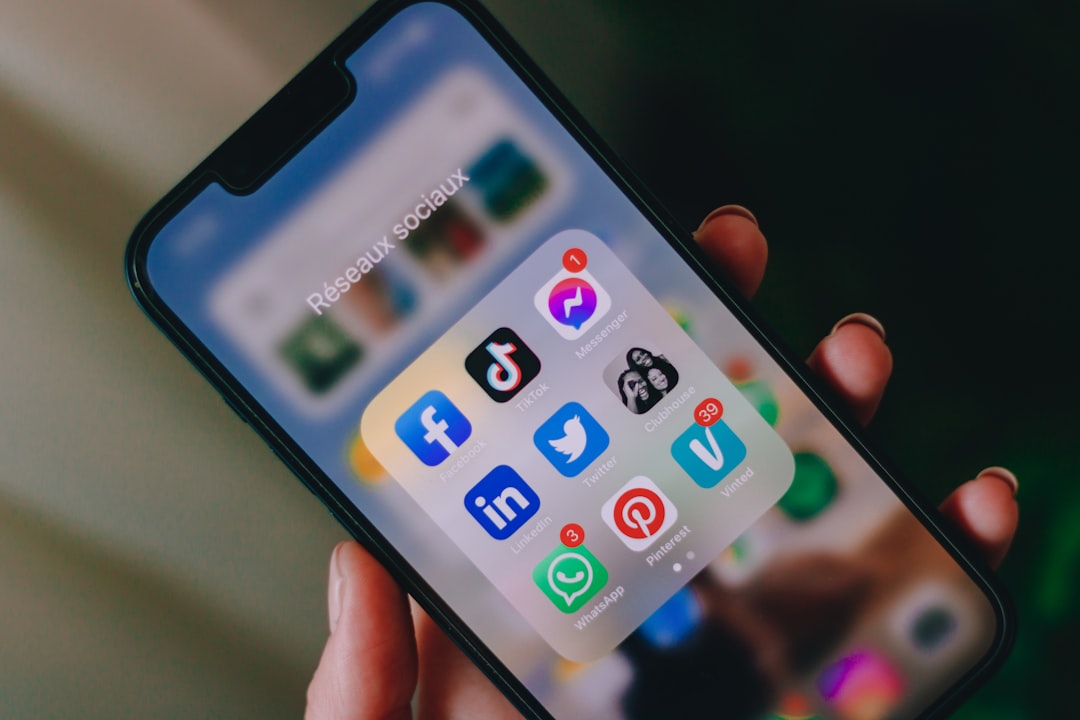
How to Use an Instagram Story Viewer Without Logging In
The exact process varies depending on the viewer you choose, but most no-login Instagram Story viewers work in a similar way. Follow these steps carefully and avoid rushing through any website that seems suspicious.
-
Choose a reputable web-based viewer.
Look for a viewer that works directly in a browser and does not require installing an app, browser extension, or desktop program. Reputable tools usually have a simple interface, clear terms, and do not ask for your Instagram credentials. -
Confirm the profile is public.
The account you want to view must be public. If the account is private, a legitimate viewer should not display its stories. Do not use services that claim they can unlock private Instagram profiles. -
Enter the correct username.
Type the Instagram username exactly as it appears, without the “@” symbol unless the tool specifically asks for it. Be careful with similar usernames, extra dots, underscores, or spelling differences. -
Wait for the profile to load.
The viewer may take a few seconds to retrieve public data. If the account has active stories, the tool may show them in a gallery or list format. If there are no current stories, it may show highlights or basic profile information instead. -
Open the available story content.
Click or tap on the story preview to view it. Depending on the viewer, stories may appear as images, videos, or a sequence of slides. Use the controls provided by the site rather than attempting to manipulate media links manually. -
Close the site when finished.
If you are using a shared device, clear your browsing history if necessary. Do not save or redistribute content unless you have permission or a lawful reason to do so.
What You Should Never Provide
A trustworthy Instagram Story viewer should not require sensitive information. If a site asks for details that are unrelated to viewing public content, consider that a red flag.
Do not provide:
- Your Instagram password
- Your email password
- Two-factor authentication codes
- Credit card information for unclear services
- Government ID documents
- Permission to install unknown software
- Access to your contacts, photos, or device files
If a viewer says you must “verify” yourself by completing surveys, installing apps, or entering login credentials, leave the site. These tactics are commonly associated with phishing, spam, malware distribution, or data harvesting.
How to Identify a Safer Viewer
No third-party tool is risk-free, but you can reduce risk by evaluating the service before using it. A serious and trustworthy viewer should be transparent about what it does and what it cannot do.
Look for these signs:
- No login requirement: The tool should not ask for your Instagram username and password.
- Clear privacy policy: The website should explain what data it collects and how it uses it.
- Secure connection: The address should begin with https, indicating an encrypted connection.
- No forced downloads: Viewing should happen in the browser.
- Realistic claims: The site should not promise access to private accounts or deleted content.
- Minimal advertising pressure: Excessive pop-ups, fake buttons, and misleading ads are warning signs.
Also consider using a privacy-focused browser, keeping your device security software updated, and avoiding unknown links from social media comments or direct messages.
Important Privacy and Legal Considerations
Just because content is public does not mean it can be used without limits. Instagram Stories may contain copyrighted material, personal information, images of individuals, location details, or sensitive context. Viewing public content is different from copying, reposting, archiving, or using it commercially.
To stay responsible:
- Do not use viewers to harass, track, intimidate, or monitor someone obsessively.
- Do not attempt to view private accounts through unofficial or deceptive methods.
- Do not repost someone’s media without permission.
- Do not use downloaded content for impersonation, scams, or misleading purposes.
- Respect platform rules and local laws related to privacy, copyright, and data use.
If you are using a viewer for business, journalism, compliance, or research, document your process and rely only on content that is clearly public. In professional settings, it is often better to use official channels, request permission, or capture information in a way that preserves context and accuracy.
Why Some Viewers Stop Working
Instagram changes its systems regularly. As a result, no-login Story viewers may stop working, load slowly, or show incomplete information. This does not always mean the viewer is unsafe; it may simply be unable to access the public data at that moment.
Common reasons a viewer may fail include:
- The account has no active stories
- The profile is private
- The username was entered incorrectly
- Instagram changed how public content is delivered
- The viewer’s servers are overloaded
- The content expired before the viewer retrieved it
- The account restricted visibility or changed settings
If one viewer does not work, avoid repeatedly trying suspicious alternatives. Instead, confirm the username, check whether the account is public, and consider whether you need to view the content at all.
Can You Really View Stories Anonymously?
In many cases, a no-login viewer may prevent your personal Instagram account from appearing in the story viewer list because you are not logged in. However, the word anonymous should be understood carefully. The website you use may still collect technical information such as your IP address, browser type, device details, or usage activity.
Therefore, “anonymous” usually means anonymous to the Instagram account owner, not necessarily anonymous to the third-party viewer. If privacy matters to you, read the viewer’s privacy policy, avoid entering personal details, and consider using normal online safety practices.
Alternatives to Third-Party Instagram Story Viewers
If you are uncomfortable using third-party viewers, there are safer alternatives depending on your purpose.
- Use Instagram without interacting: If you already have an account, you can view public content directly through Instagram, though your view may be recorded for stories.
- Ask the account owner: For professional or personal reasons, requesting a link, screenshot, or permission may be the most ethical approach.
- Check other public channels: Many brands and public figures repost important updates on websites, newsletters, TikTok, Facebook, X, or YouTube.
- Create a professional account: Businesses and researchers may prefer a clearly identified account rather than using anonymous tools.

Best Practices for Responsible Use
Using an Instagram Story viewer without logging in should be a limited, intentional activity. Treat it as a way to access public information, not as a way to intrude into someone’s life.
Follow these best practices:
- Use viewers only for public accounts.
- Do not trust tools that promise private access.
- Never share passwords or verification codes.
- Avoid downloading content unless necessary and lawful.
- Keep your browser and security software updated.
- Do not click fake play buttons, pop-ups, or aggressive ads.
- Respect intellectual property and personal boundaries.
Final Thoughts
An Instagram Story viewer without login can be convenient when used for legitimate purposes, such as viewing public updates, researching public brand activity, or accessing information without maintaining an Instagram account. The safest approach is to use only reputable browser-based services, avoid giving out personal information, and understand that these tools have real limitations.
Most importantly, a no-login viewer should never be treated as a way to bypass privacy. If an account is private, restricted, or unavailable, that boundary should be respected. Used carefully and ethically, these viewers can serve a narrow but practical purpose: viewing public Instagram Stories without signing in while maintaining a reasonable level of personal discretion.