
Instagram is a very visual place. A good photo can stop the scroll. A great edit can make people tap, like, save, and follow. The best part? You do not need to be a pro photographer. You just need the right app, a little taste, and maybe a strong coffee.
TLDR: The best Instagram picture editing apps are easy to use, fun, and packed with tools that make your photos pop. Lightroom is best for clean, pro edits. VSCO is great for soft, stylish filters. Canva, Snapseed, Prequel, and Tezza are also amazing for making stunning social media posts fast.
Why Instagram Photo Editing Apps Matter
Instagram is not just about taking a picture anymore. It is about creating a mood. A vibe. A tiny world in a square, portrait, or story frame.
Your photo may already be nice. But editing can make it shine. You can brighten a dark image. You can fix colors. You can smooth skin. You can add text. You can create a full brand style.
Think of editing apps like magic glasses. They help people see your photo the way you saw it in your head.
But there are many apps out there. Some are simple. Some are powerful. Some are full of trendy filters. Some feel like a spaceship control panel.
So let’s make it simple. Here are the best Instagram picture editing apps for stunning social media posts.
1. Adobe Lightroom: Best for Clean and Pro Edits
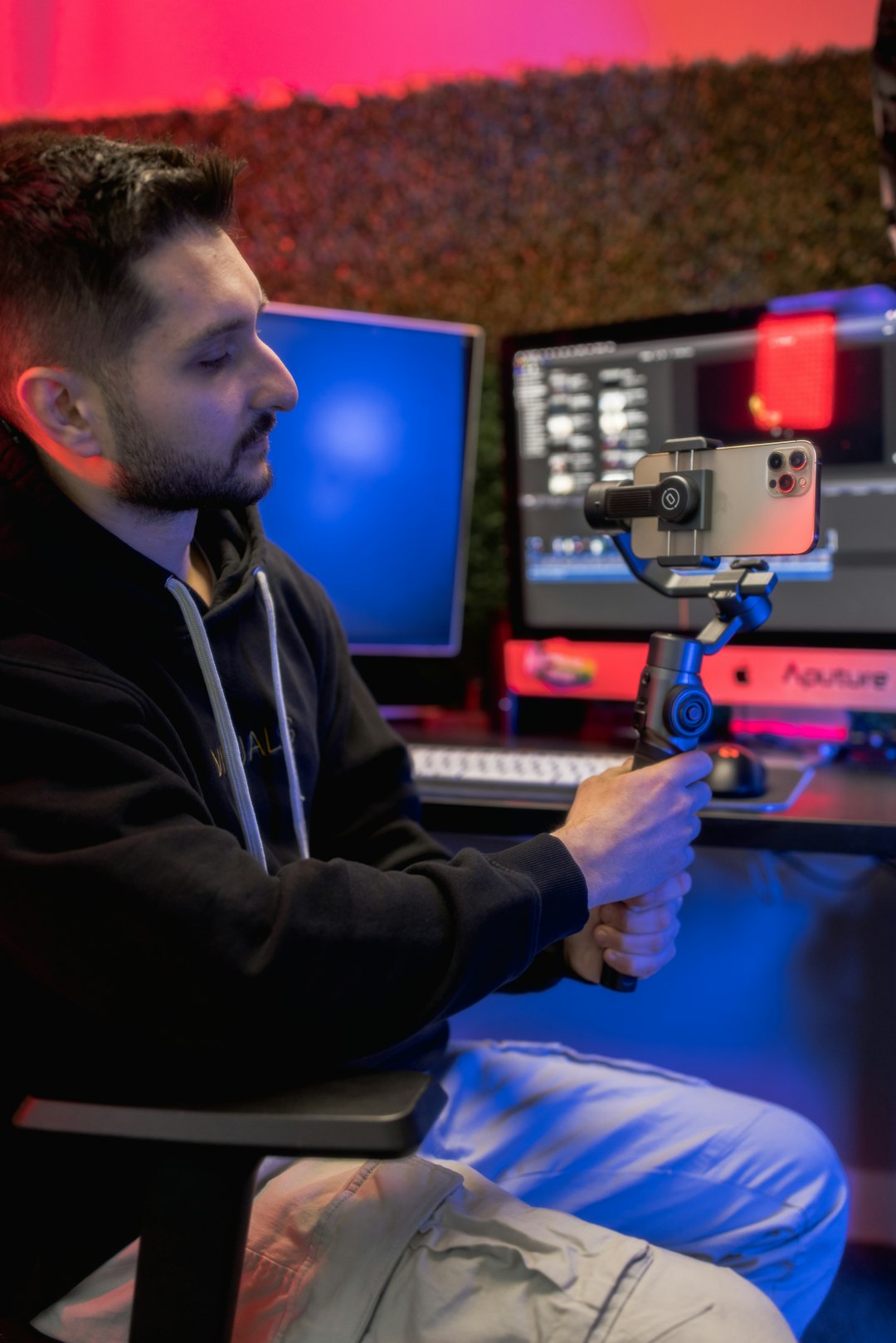
Adobe Lightroom is one of the most loved photo editing apps. It is powerful, but still friendly. Many influencers, photographers, and content creators use it every day.
Lightroom is great for editing light, color, contrast, shadows, and details. It helps your photos look clean and polished. Not fake. Not too much. Just better.
You can also use presets. These are ready-made edit styles. Tap once, and boom. Your photo has a new look.
Best for:
- Travel photos
- Food photos
- Fashion shots
- Product photos
- Clean lifestyle content
Why people love it: Lightroom gives you control. You can make tiny changes. You can save your own editing style. This is great if you want your Instagram feed to look neat and consistent.
Simple tip: Do not make every slider go to 100. That is how photos start to look like they live inside a toaster. Small changes are better.
2. VSCO: Best for Soft and Stylish Filters
VSCO is famous for its filters. They are not loud. They are smooth, calm, and dreamy. If you like soft colors and film-like photos, VSCO may be your best friend.
The app is very simple. Pick a photo. Choose a filter. Adjust the strength. Then tweak brightness, contrast, sharpness, and grain.
VSCO is perfect if you want your feed to feel cool without trying too hard. You know that “I just woke up in a beautiful apartment with perfect sunlight” look? That is very VSCO.
Best for:
- Minimal feeds
- Coffee shop photos
- Outfit pictures
- Beach photos
- Moody city shots
Why people love it: It makes photos feel emotional. Many filters look like old film. This gives posts a warm and artistic touch.
Simple tip: Lower the filter strength. A filter at 100% can be too strong. Try 40% to 70% for a more natural look.
3. Snapseed: Best Free App for Detailed Editing
Snapseed is free. Yes, free. And it is very powerful. It is made by Google, and it has many tools that feel professional.
You can tune the image, fix perspective, add sharpness, blur the background, and remove small objects. The Selective tool is especially cool. It lets you edit one part of the photo without changing the whole thing.
For example, say your face looks dark but the sky looks perfect. You can brighten just your face. Nice, right?
Best for:
- Quick fixes
- Removing small distractions
- Brightening faces
- Fixing uneven lighting
- Editing on a budget
Why people love it: It has many useful tools without a high price. It is great for beginners and advanced users.
Simple tip: Use the Healing tool to remove tiny things in the background. But do not go wild. If you try to remove a whole person, the photo may turn into melted soup.
4. Canva: Best for Instagram Posts, Stories, and Text
Canva is not just for photo editing. It is also great for design. If you want to add text, stickers, frames, or layouts, Canva is a top choice.
It has templates for Instagram posts, stories, reels covers, carousels, and ads. You can start with a ready-made design and change the colors, fonts, images, and layout.
This is very helpful for small businesses, creators, coaches, bloggers, and anyone who wants to post more than plain photos.
Best for:
- Quote posts
- Instagram stories
- Carousel posts
- Promotional graphics
- Reels covers
Why people love it: Canva makes design easy. You do not need to start from a blank page. You can look polished in minutes.
Simple tip: Use only two fonts in one design. Three can work. Seven is chaos wearing sunglasses.

5. Picsart: Best for Fun and Creative Edits
Picsart is for people who want to play. It has filters, stickers, background remover tools, collage makers, drawing tools, and special effects.
If Lightroom is a clean white studio, Picsart is a colorful art room with glitter on the floor. It is fun. It is bold. It can be silly in the best way.
You can cut out yourself and place your photo on a new background. You can add sparkles. You can create memes. You can build eye-catching posts that stand out fast.
Best for:
- Creative edits
- Memes
- Collages
- Bold social posts
- Fun personal content
Why people love it: Picsart gives you a lot of freedom. It is great when you want your post to feel playful and unique.
Simple tip: Pick one main effect. Maybe sparkles. Maybe a cutout. Maybe a cool background. If you use everything at once, your post may look like a birthday party inside a thunderstorm.
6. Prequel: Best for Trendy Effects
Prequel is all about trendy looks. It has filters and effects that feel fresh, modern, and very social media friendly.
You can create retro edits, glowing effects, VHS looks, beauty edits, film styles, and dreamy overlays. It is great for both photos and videos.
If you like posts that look like music videos or fashion campaigns, you will probably enjoy Prequel.
Best for:
- Trendy selfies
- Fashion content
- Reels covers
- Party photos
- Retro edits
Why people love it: It keeps up with trends. The effects are bold and fun. You can make a normal photo look exciting in seconds.
Simple tip: Use trendy effects with care. Trends change fast. A clean photo lasts longer than a filter that screams “I was edited in 2021.”
7. Tezza: Best for Aesthetic Lifestyle Photos
Tezza is loved by creators who want a stylish, curated feed. The app has beautiful filters, templates, dust effects, vintage looks, and simple editing tools.
It is especially good for lifestyle content. Think brunch, outfits, home decor, travel, skincare, and cozy moments.
The filters often feel warm, soft, and fashionable. They can make your photos look like they belong in a cool magazine.
Best for:
- Lifestyle content
- Influencer-style feeds
- Warm tones
- Fashion photos
- Cozy home shots
Why people love it: Tezza makes it easy to create a full Instagram mood. The app feels simple, and the results look modern.
Simple tip: Choose one or two filters you love. Use them often. This helps your feed look connected.
8. Facetune: Best for Selfies and Portraits
Facetune is popular for selfies. It can smooth skin, whiten teeth, adjust lighting, reshape small details, and enhance portraits.
But here is the golden rule. Edit like a human. Not like a plastic doll from another planet.
Facetune is best when used lightly. Fix a pimple. Brighten tired eyes. Smooth a harsh shadow. That is enough.
Best for:
- Selfies
- Portraits
- Beauty content
- Headshots
- Makeup photos
Why people love it: It helps people feel more confident in photos. It also gives portraits a clean and polished look.
Simple tip: Zoom out before saving. If your skin has no texture at all, lower the effect. Real skin is normal. Real skin is good.
9. Afterlight: Best for Simple Artistic Edits
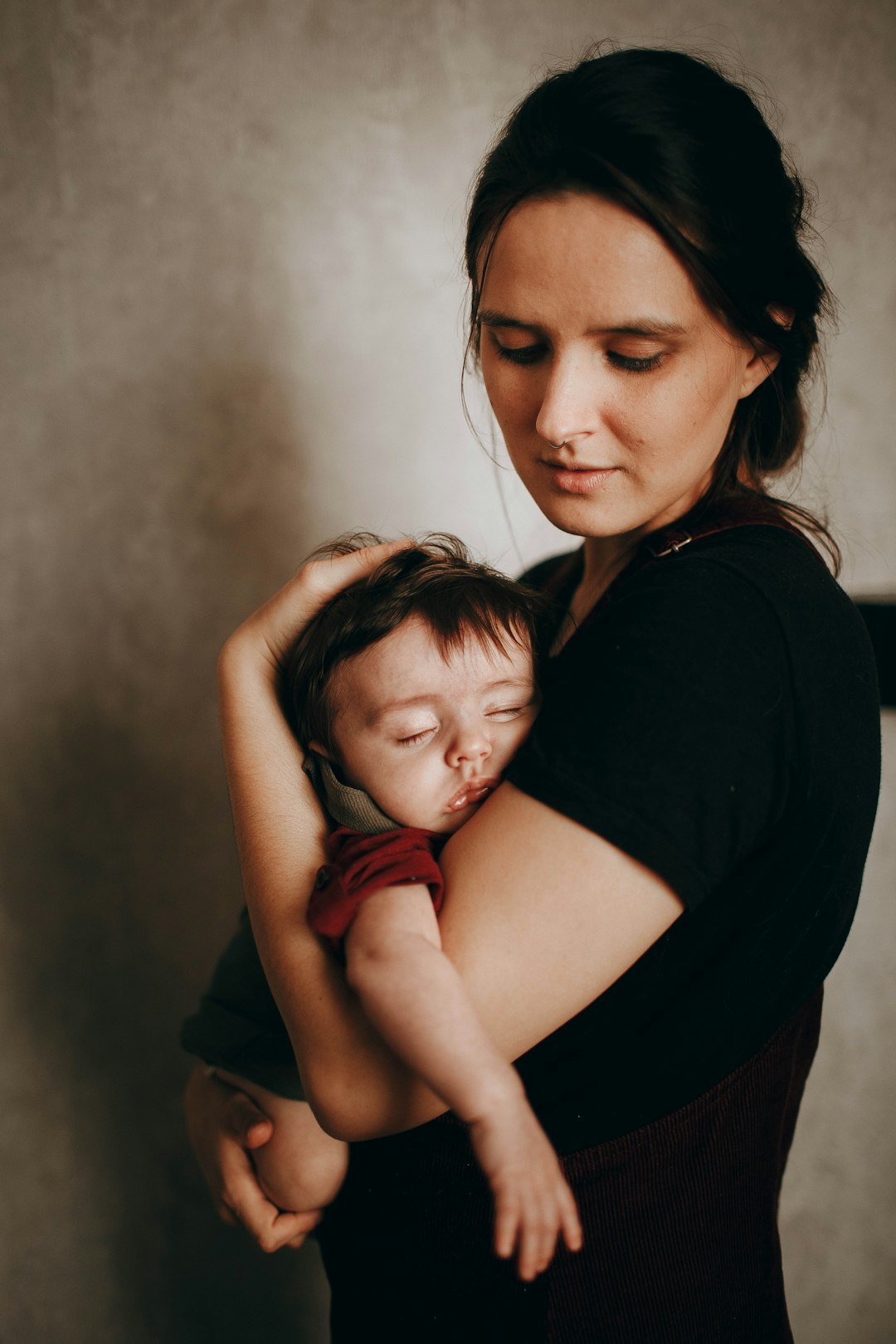
Afterlight is a lovely app for simple but artistic edits. It has filters, textures, light leaks, frames, and color tools.
It is not as intense as some apps. That is a good thing. It feels calm and easy. You can create a soft film look without spending an hour on one picture.
Best for:
- Film-style photos
- Light leaks
- Soft edits
- Creative portraits
- Simple color fixes
Why people love it: Afterlight gives photos character. It is great when you want something pretty, but not too dramatic.
10. Instagram’s Own Editor: Best for Fast Final Touches
Do not ignore the Instagram editor. It is simple, but useful. You can adjust brightness, contrast, warmth, saturation, sharpness, and more.
It is also good for quick story edits. You can add text, music, stickers, polls, links, and GIFs. Sometimes you do not need another app. Sometimes Instagram is enough.
Best for:
- Fast edits
- Story stickers
- Last-minute changes
- Simple posts
- Casual content
Simple tip: Use Instagram editing tools as the final step. Make your main edit in another app. Then use Instagram to adjust the post before publishing.
How to Choose the Best Editing App for You
The best app depends on your style. There is no one perfect choice for everyone.
Ask yourself these questions:
- Do I want clean and professional photos? Try Lightroom.
- Do I love soft filters? Try VSCO.
- Do I want a free powerful app? Try Snapseed.
- Do I need text and templates? Try Canva.
- Do I want wild creative edits? Try Picsart.
- Do I love trendy effects? Try Prequel.
- Do I want aesthetic lifestyle posts? Try Tezza.
- Do I post many selfies? Try Facetune.
You can also use more than one app. Many creators do. For example, you might edit color in Lightroom, add text in Canva, and finish with Instagram stickers.
Easy Editing Tips for Better Instagram Photos
Apps help a lot. But good editing habits matter too.
- Start with a clear photo. Editing cannot fully save a blurry mess.
- Use natural light. Window light is your friend.
- Keep skin tones real. Orange people are not the goal.
- Do not over-sharpen. Too much sharpness looks crunchy.
- Pick a style. Warm, cool, bright, moody, or colorful.
- Be consistent. Similar edits make your feed look better.
- Check before posting. Look at the photo full size and small size.
Also, remember this. Not every post needs to be perfect. Instagram should be fun. A slightly imperfect photo with real joy can beat a perfect photo with no feeling.
Best App Combos for Different Creators
If you feel stuck, try these simple app combos.
- For influencers: Lightroom, Tezza, Facetune
- For small businesses: Canva, Lightroom, Snapseed
- For travel creators: Lightroom, VSCO, Afterlight
- For fun personal posts: Picsart, Prequel, Instagram
- For beauty creators: Facetune, Lightroom, Prequel
- For quote pages: Canva, Instagram
Try different apps and see what feels easy. The best app is the one you actually enjoy using. If an app makes you want to throw your phone into a pillow, skip it.
Final Thoughts
The best Instagram picture editing apps can turn simple photos into stunning social media posts. Lightroom is great for pro edits. VSCO is perfect for soft filters. Snapseed is powerful and free. Canva is amazing for text and designs. Picsart, Prequel, Tezza, Facetune, Afterlight, and Instagram’s own tools all bring something special too.
You do not need to use every app. Start with one or two. Learn the basic tools. Build your style slowly. Keep your edits clean, fun, and true to you.
And most of all, post the photo. Do not let editing stress steal your joy. Your next scroll-stopping Instagram post might be just one tiny brightness boost away.