
Modern cyberattacks move fast, adapt quickly, and often bypass traditional antivirus tools. That is why organizations are increasingly turning to Endpoint Detection and Response (EDR) applications like SentinelOne to detect suspicious activity and stop threats automatically before damage spreads. These advanced security platforms combine artificial intelligence, behavioral monitoring, and automated response capabilities to protect everything from laptops to servers in real time.
TLDR: Endpoint Detection and Response (EDR) apps like SentinelOne use AI and behavioral analysis to detect and stop cyber threats automatically. Unlike traditional antivirus tools, they monitor activity continuously and respond instantly to suspicious behavior. These platforms help businesses prevent ransomware, malware, and zero-day attacks with minimal human intervention. Choosing the right EDR solution depends on automation features, integration capabilities, and scalability.
As remote work, cloud adoption, and mobile devices expand attack surfaces, endpoint security has become a critical layer in modern cybersecurity strategies. EDR tools do more than detect malware—they provide real-time visibility, automated remediation, and deep forensic insights into endpoint activity.
What Is Endpoint Detection and Response (EDR)?
Endpoint Detection and Response is a cybersecurity technology designed to monitor endpoint devices continuously. These endpoints include:
- Laptops and desktops
- Servers
- Mobile devices
- Virtual machines
- IoT devices
Unlike traditional antivirus software that relies mainly on signature-based detection, EDR platforms analyze behavior patterns. They identify suspicious actions such as unusual file encryption, privilege escalation, or unauthorized network communication.
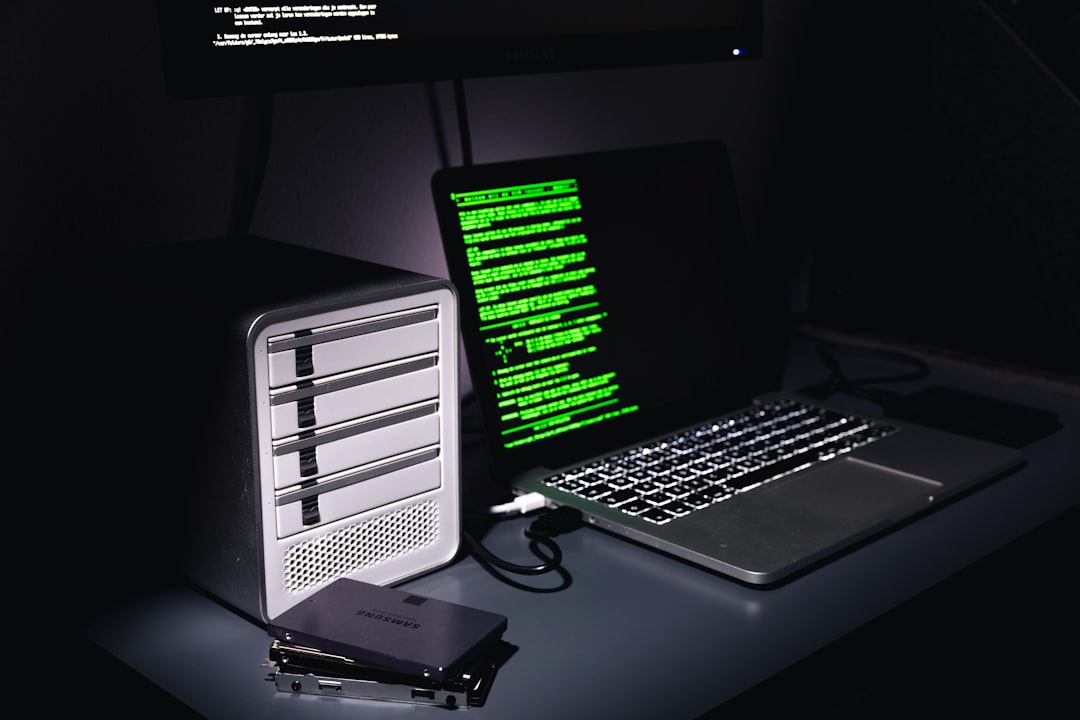
By collecting data from endpoints in real time, EDR systems can:
- Detect threats using behavioral and AI-driven analysis
- Investigate incidents with detailed activity logs and timelines
- Respond automatically to contain or eliminate threats
- Provide forensic data for compliance and auditing
How Apps Like SentinelOne Stop Threats Automatically
SentinelOne and similar platforms stand out because of their emphasis on automation and artificial intelligence. Instead of relying solely on security teams to investigate alerts manually, these systems take immediate action.
1. Behavioral AI Detection
Advanced EDR tools analyze patterns rather than signatures. If a process begins encrypting hundreds of files rapidly—a hallmark of ransomware—the system identifies this behavior as malicious, even if it has never seen the malware before.
2. Automated Containment
Once suspicious behavior is confirmed, the EDR solution can instantly:
- Disconnect the device from the network
- Kill malicious processes
- Quarantine infected files
- Prevent lateral movement
3. Rollback Capabilities
Some platforms, including SentinelOne, offer rollback functionality. This means compromised files can be restored to a pre-attack state using shadow copies or journaling technology.
4. Centralized Visibility
Security teams gain a centralized dashboard that shows alerts, threat intelligence, and remediation status across the organization.

Top Endpoint Detection and Response Apps Like SentinelOne
Several EDR solutions compete in this space, each with unique strengths. Below is a comparison of some of the leading platforms.
| Platform | Key Strength | Automation Level | Best For |
|---|---|---|---|
| SentinelOne | AI powered autonomous response | Very High | Mid to large enterprises |
| CrowdStrike Falcon | Cloud native architecture | High | Distributed teams |
| Microsoft Defender for Endpoint | Deep Windows integration | Moderate to High | Microsoft centric environments |
| VMware Carbon Black | Threat hunting capabilities | Moderate | Security mature organizations |
| Trend Micro Vision One | Extended detection and response focus | High | Integrated security ecosystems |
Key Features to Look for in an EDR Solution
Not all EDR tools are created equal. Organizations should evaluate solutions based on several important capabilities.
Real-Time Monitoring
Continuous visibility ensures that suspicious activity is identified immediately rather than hours or days later.
Artificial Intelligence and Machine Learning
AI-driven analysis helps detect zero-day exploits and fileless attacks that traditional tools often miss.
Automated Response and Remediation
Automation minimizes the dwell time of attackers. The faster a threat is neutralized, the less damage it can cause.
Threat Intelligence Integration
Access to global threat intelligence databases improves detection accuracy and reduces false positives.
Scalability
An effective EDR system must scale across thousands of endpoints without sacrificing performance.
Cloud and Hybrid Support
With many organizations operating hybrid infrastructures, support for on-premises and cloud workloads is essential.
The Advantages of Automated Threat Response
Automation is not just a convenience—it is a necessity in today’s threat landscape. Cyberattacks unfold in minutes, sometimes seconds.
Here is why automated response is critical:
- Reduced Human Error: Automated systems execute predefined actions consistently.
- Faster Containment: Immediate isolation prevents lateral spread across the network.
- Lower Operational Costs: Security teams spend less time triaging routine alerts.
- Improved Compliance: Detailed logs and audit trails simplify reporting.

EDR vs Traditional Antivirus
Many organizations still rely heavily on traditional antivirus software. However, EDR offers several advantages:
- Behavior-based detection instead of signature-only scanning
- Incident investigation tools with root cause analysis
- Network containment to prevent spread
- Threat hunting capabilities for proactive defense
Antivirus may detect known malware, but EDR solutions are designed to detect unknown and sophisticated threats, including advanced persistent threats (APTs).
Common Threats EDR Tools Help Stop
EDR platforms are particularly effective against:
- Ransomware attacks
- Fileless malware
- Phishing-delivered payloads
- Insider threats
- Credential theft
- Zero-day exploits
By monitoring endpoint behavior continuously, these systems identify anomalies that signal compromise—even if the malware itself is brand new.
Implementation Best Practices
Deploying an EDR solution successfully requires careful planning. Organizations should:
- Conduct a risk assessment to identify high-value assets.
- Define response policies to determine when automation should isolate devices.
- Train security teams on dashboard and forensic tools.
- Integrate with existing systems like SIEM and firewall platforms.
- Perform regular testing using simulated attacks.
Automation works best when guided by well-defined policies and supported by knowledgeable security professionals.
The Future of Endpoint Security
Endpoint protection continues to evolve. Many vendors are expanding from EDR to Extended Detection and Response (XDR), which integrates endpoint, email, network, and cloud telemetry into one unified platform.
Future trends include:
- Greater use of predictive AI models
- Deeper integration with cloud-native platforms
- Enhanced threat intelligence sharing
- Improved user behavior analytics
As attackers automate their techniques, defenders must do the same. Endpoint Detection and Response applications like SentinelOne represent a major step toward fully autonomous cybersecurity.
Frequently Asked Questions (FAQ)
1. What is the main difference between EDR and antivirus?
Antivirus focuses primarily on detecting known malware using signatures, while EDR provides continuous monitoring, behavioral analysis, automated response, and detailed investigative capabilities.
2. Can small businesses benefit from EDR solutions?
Yes. Many EDR providers offer scalable pricing models suited for small and medium-sized businesses. Automation is especially valuable for companies with limited IT staff.
3. Does EDR replace a SIEM system?
No. EDR complements SIEM solutions. While EDR focuses on endpoint-level detection and response, SIEM aggregates logs from multiple systems across the organization.
4. How does automated rollback work?
Some EDR platforms maintain file snapshots or use journaling to track changes. If ransomware encrypts files, the system can restore them to their previous state.
5. Are EDR tools effective against zero-day attacks?
Yes. Because they use behavioral analysis rather than relying solely on known signatures, EDR solutions can detect suspicious activities associated with previously unknown threats.
6. Do EDR platforms impact device performance?
Modern EDR tools are designed to operate efficiently in the background. While there may be minimal resource usage, most enterprise-grade solutions are optimized for performance.
7. What should organizations consider before choosing a solution?
They should evaluate automation depth, AI capabilities, integration options, scalability, cloud support, and total cost of ownership.
In a digital world where endpoints are constant targets, investing in advanced, automated defense systems is no longer optional. Endpoint Detection and Response apps like SentinelOne empower organizations to detect threats earlier, respond faster, and reduce the impact of cyberattacks through intelligent automation.